Resources
Practical guidance for using Superstructures to run activities, structure lessons, and use platform features effectively.
Teacher meetings are full of strong ideas that don’t always live past the conversation. Superstructures helps teams ditch the chart paper and capture ideas in a shared space where every voice is heard. It can also make deciding on lunch surprisingly efficient.
We're introducing something new at Superstructures. Evaluation View enables AI-powered evaluation of student work. This is an optional feature many teachers have asked for, and something others are cautious of. If you’re curious, find Evaluation View in the special Features menu (•••).

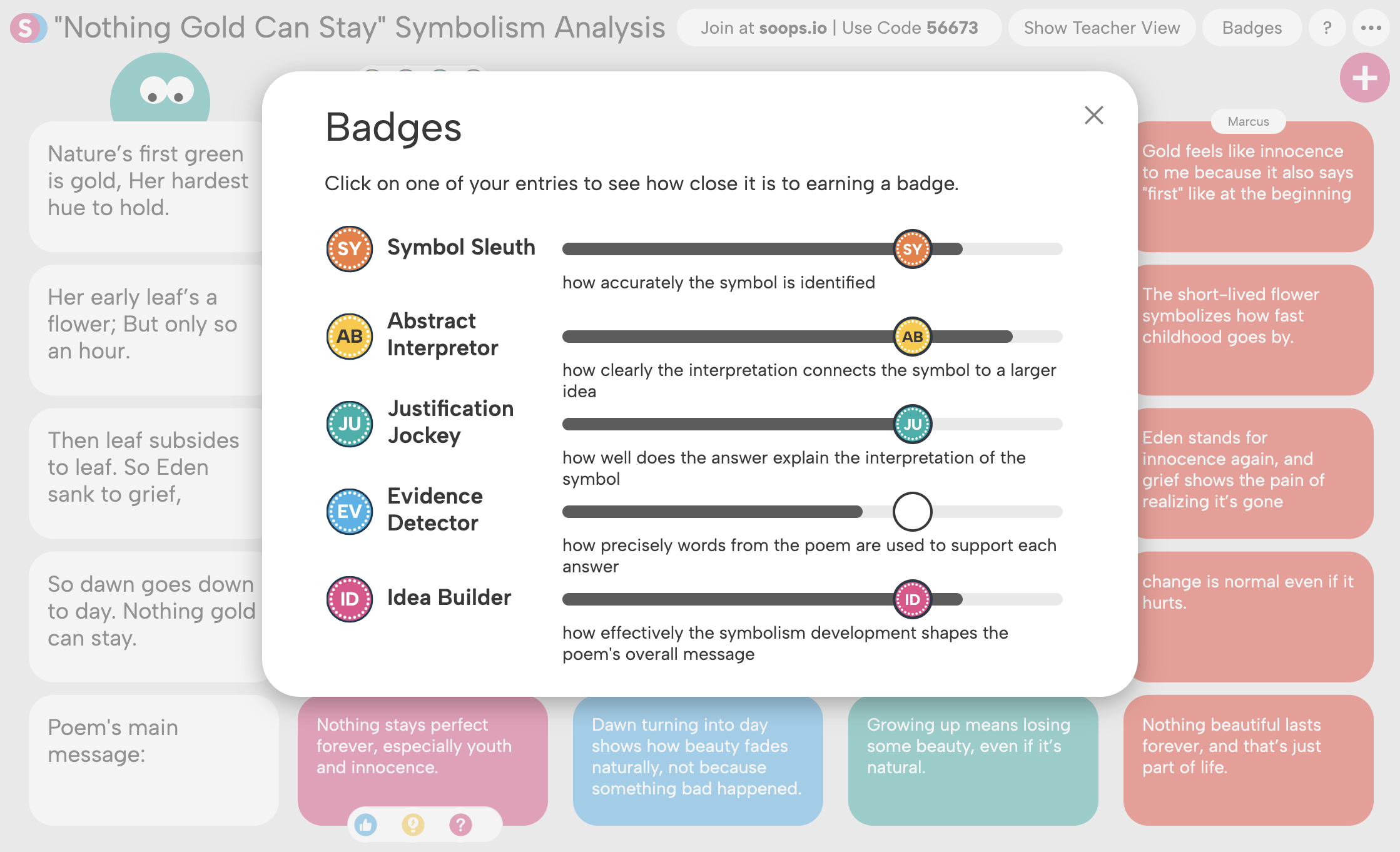
Teachers strive to make their learning targets visible—on whiteboards, slides, agendas—so that students see what they are working toward. The real challenge is making sure students find them meaningful—and actually use them as they work. Custom badges solve that problem by embedding learning benchmarks directly into every Superstructure.

We are always refining Superstructures based on how teachers and students actually use it in class. Over the past few weeks, we have released several updates to make the platform smoother during live instruction and easier to manage across classes.
What if your rubric could do the evaluating for you? With our new Customized Badges (accessible from the ••• menu) you can transform success criteria into a transparent rubric that instantly evaluates student thinking. Students understand what success looks like, and you get actionable data without the grading overload.
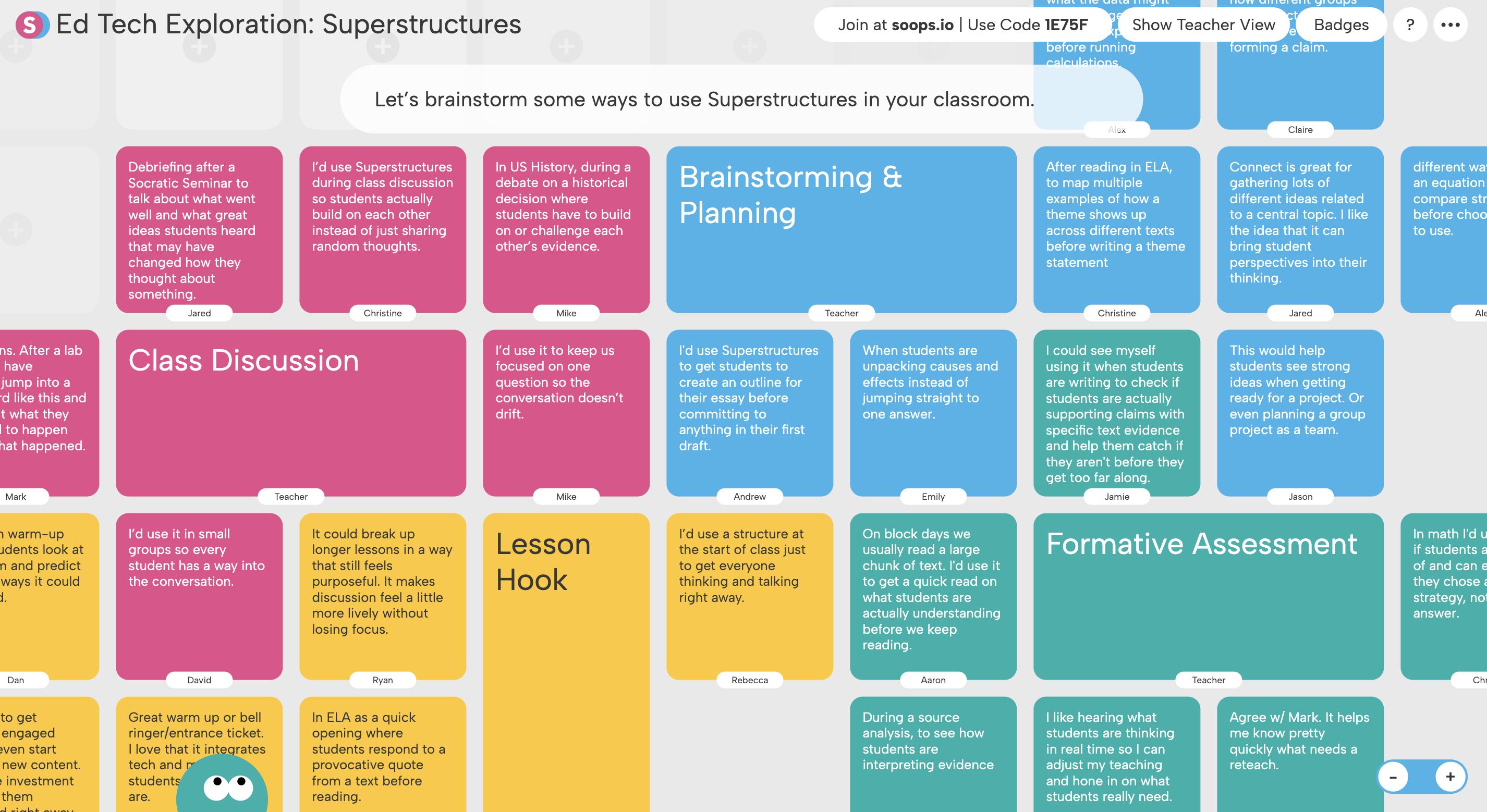
Long before we were teachers, we were students captivated by an idea—the elegance of an equation or the weight of a historical turning point. Superstructures helps you invite students into that same fascination, giving them a platform to follow their curiosity and explore their world through the subject you love.
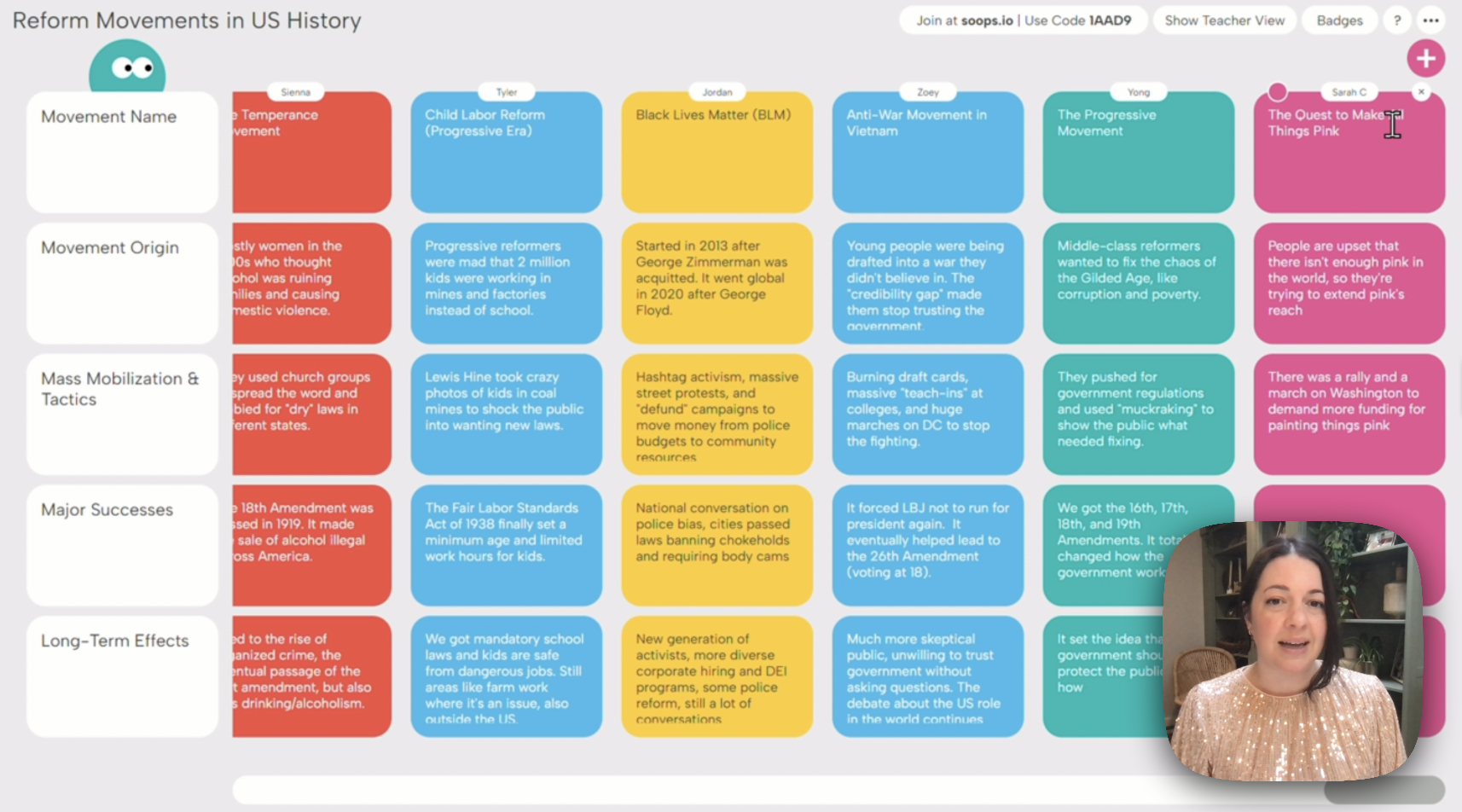
Meet Sequence, our newest structure in the Superstructure family. Sequence helps students gain fluency with common patterns and standard formats that exist across all subjects.
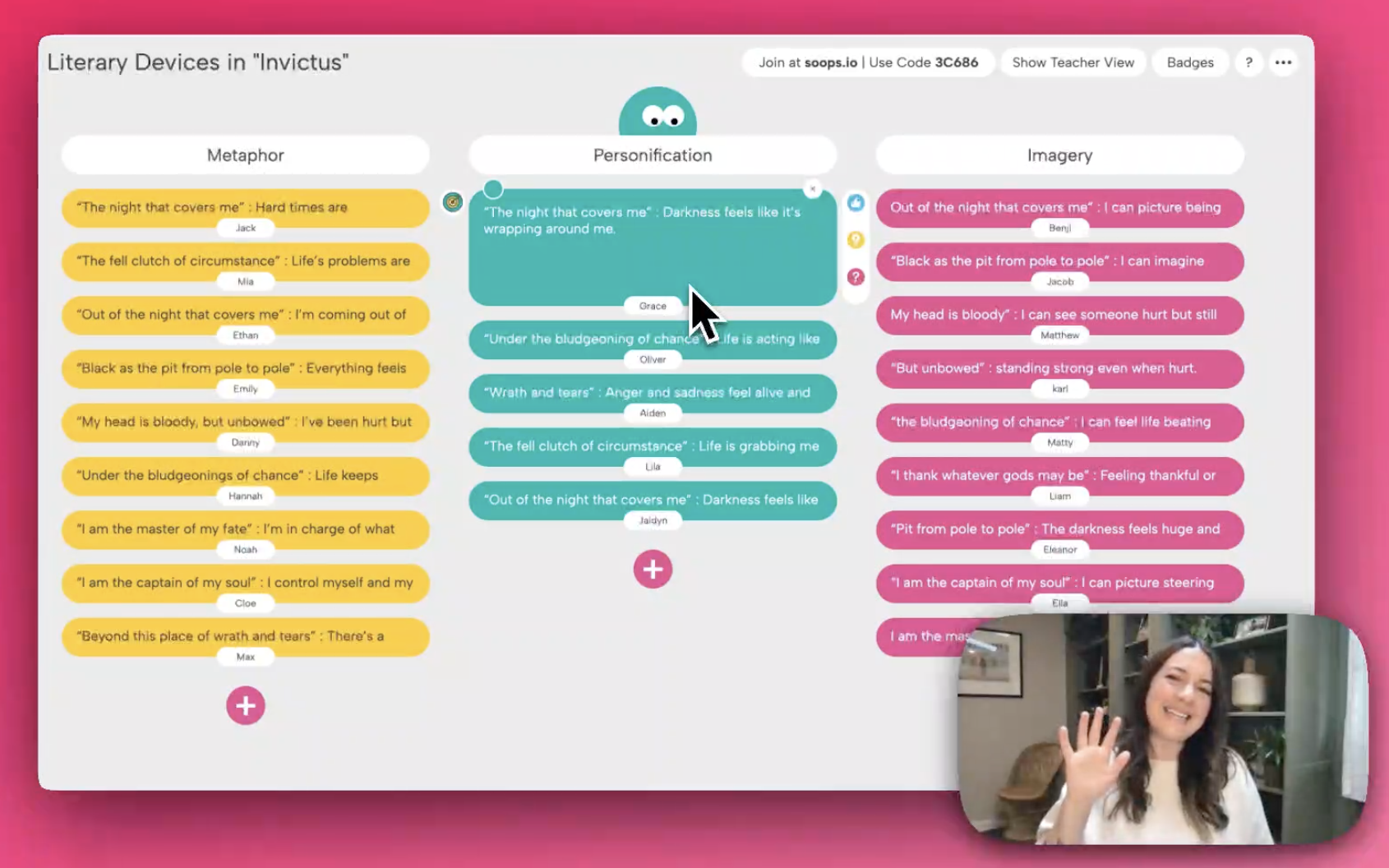
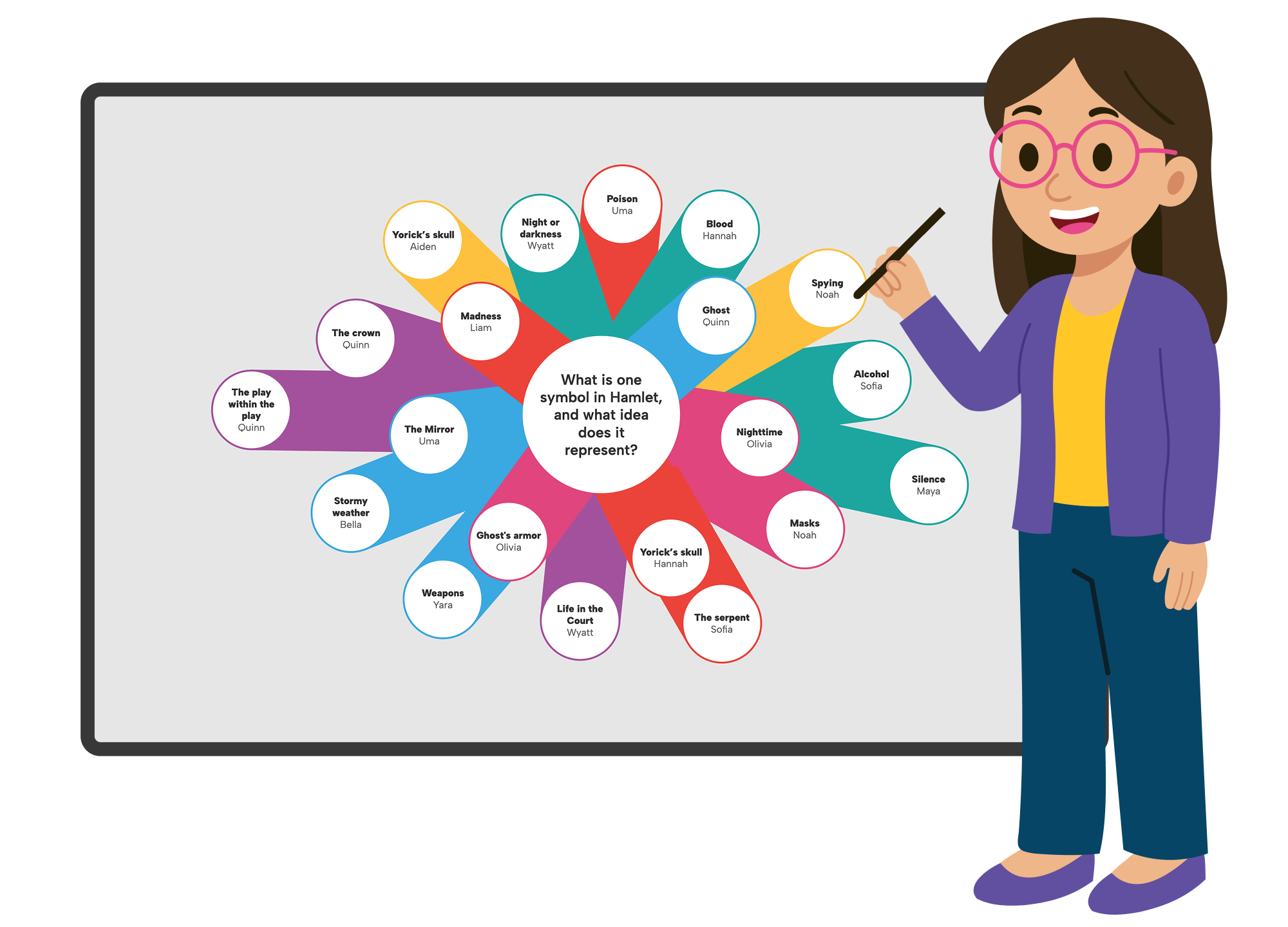
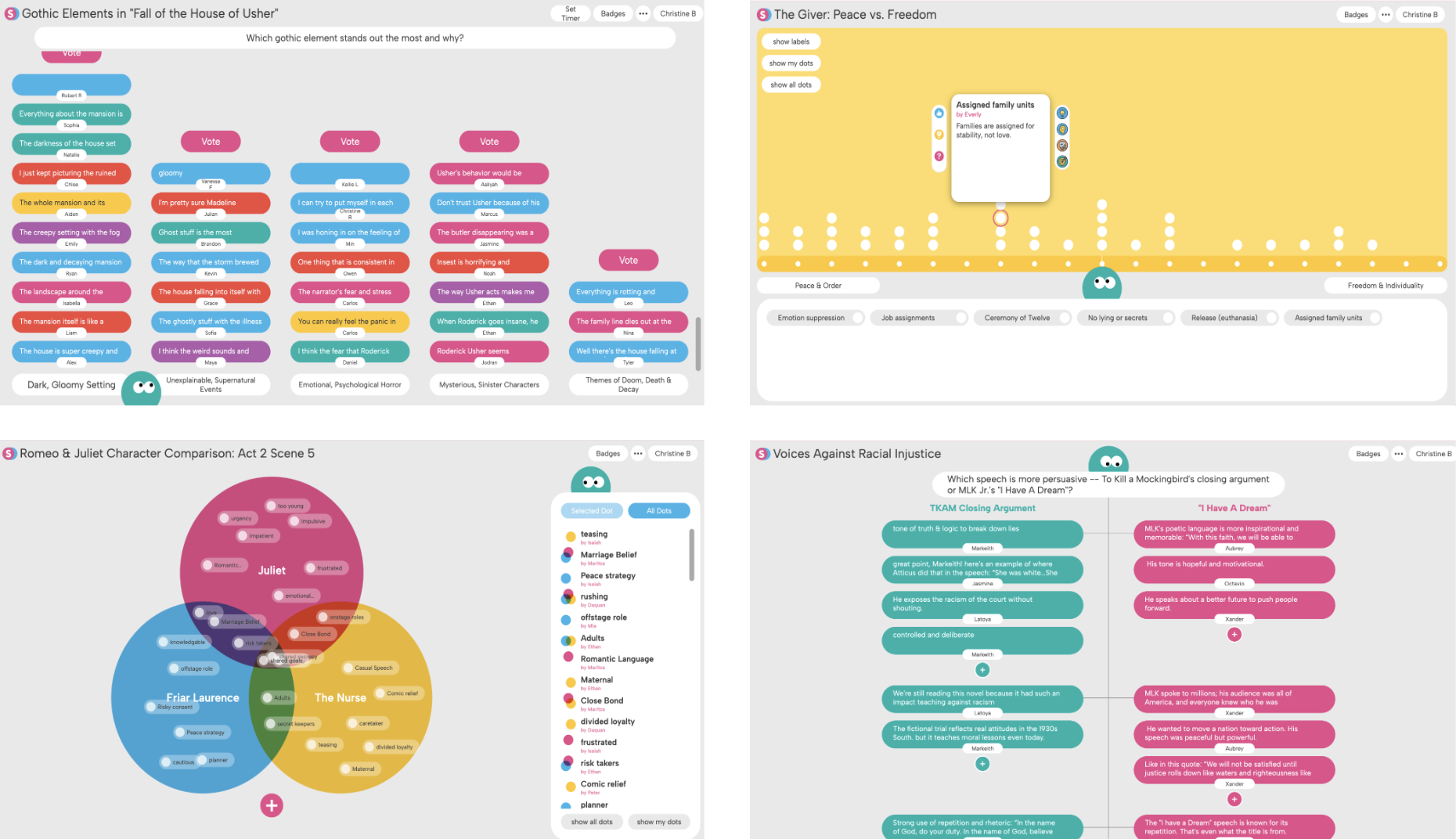
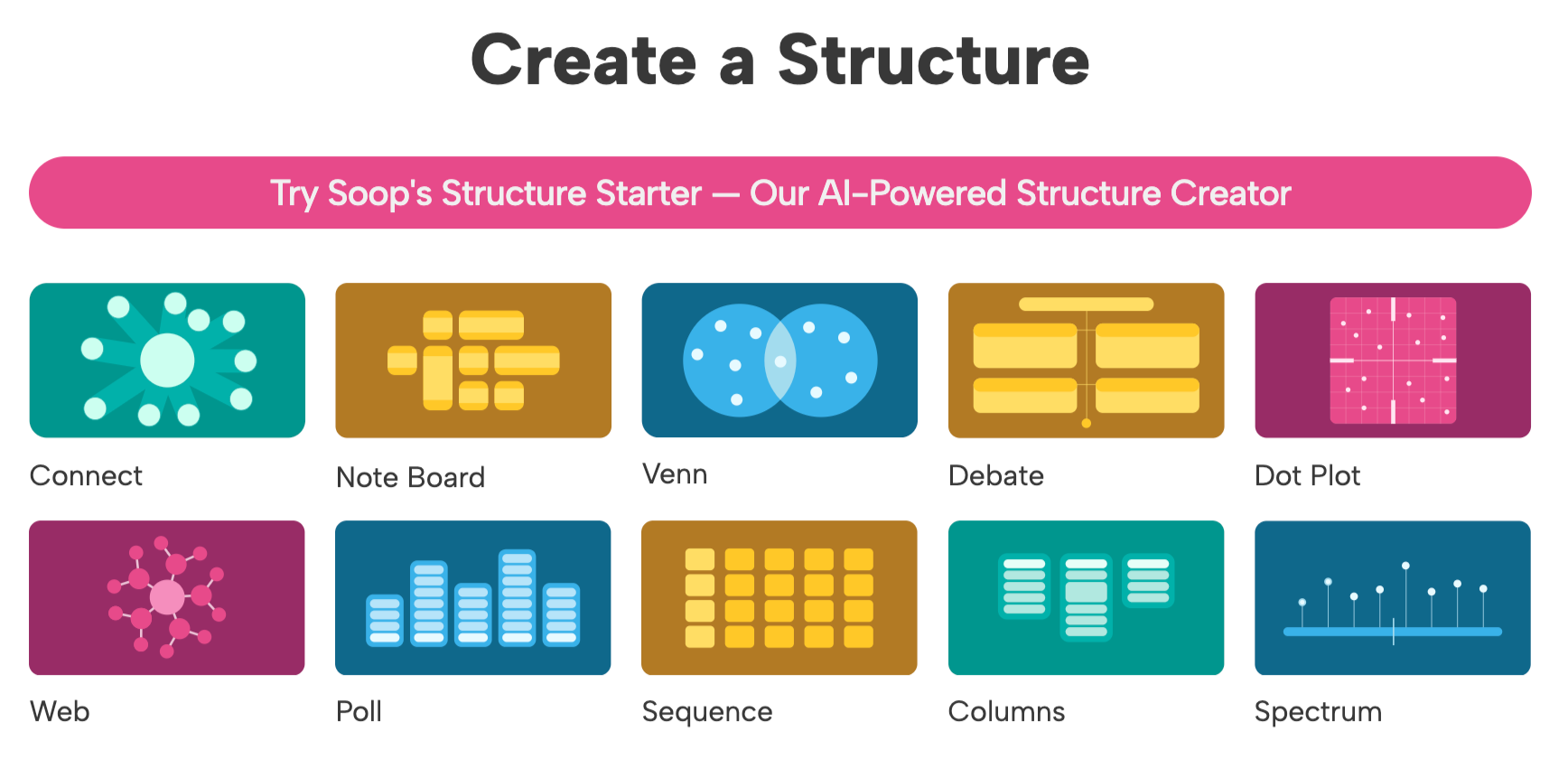
Superstructures helps students organize their thinking in ten distinct ways. Discover how teachers use the ten structures to shape student thinking in real classroom contexts.
Once a structure is live, students need more than a place to type—they need support, clarity, and the right conditions to think deeply. The Special Features Menu gives you quiet controls needed to guide student thinking, while helping your students participate confidently and engage with rigor.
.png)
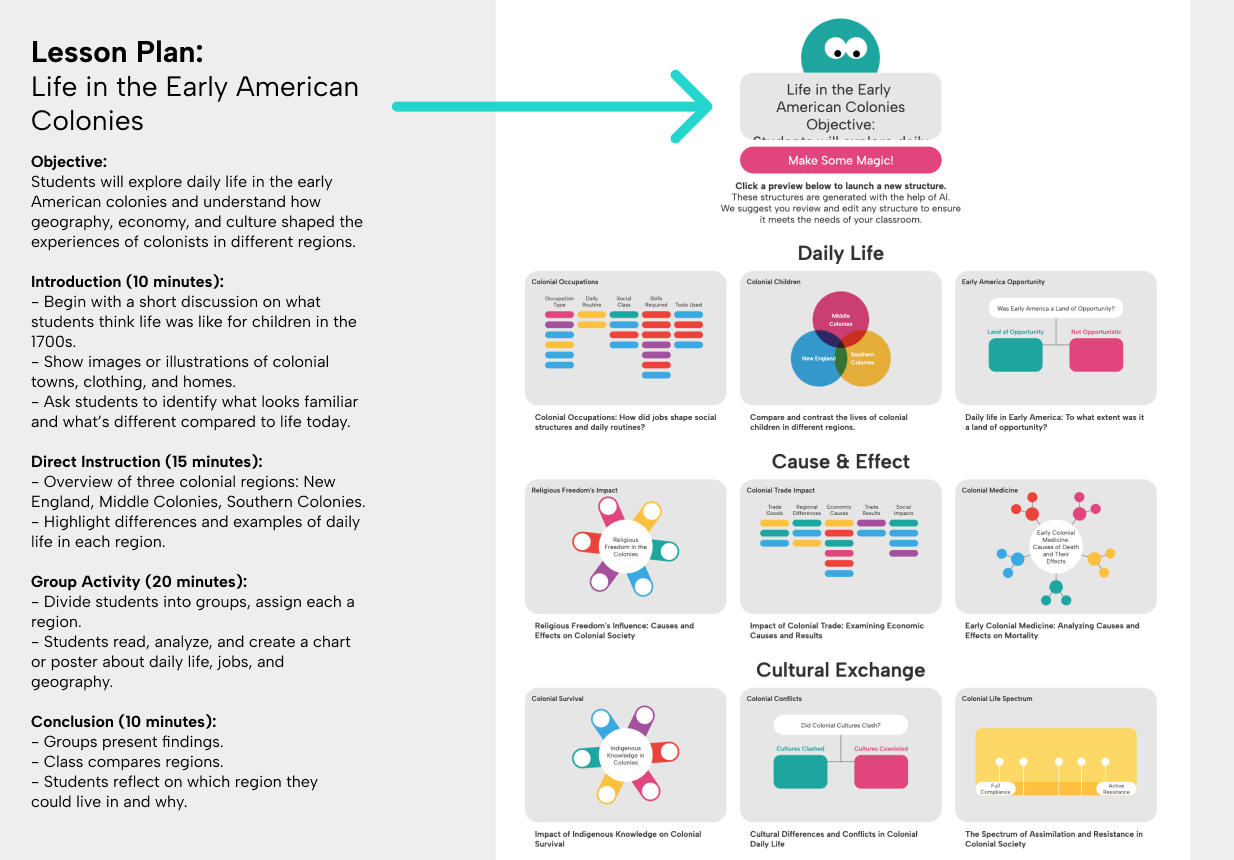
Imagine typing anything into a box—a book title, your next standard, tomorrow's lesson plan—and instantly getting classroom-ready structures you can use right away. That’s the power of Soop’s Structure Starter. It understands the topic at hand and generates relevant structures that let you explore your content in ways you might not have imagined.
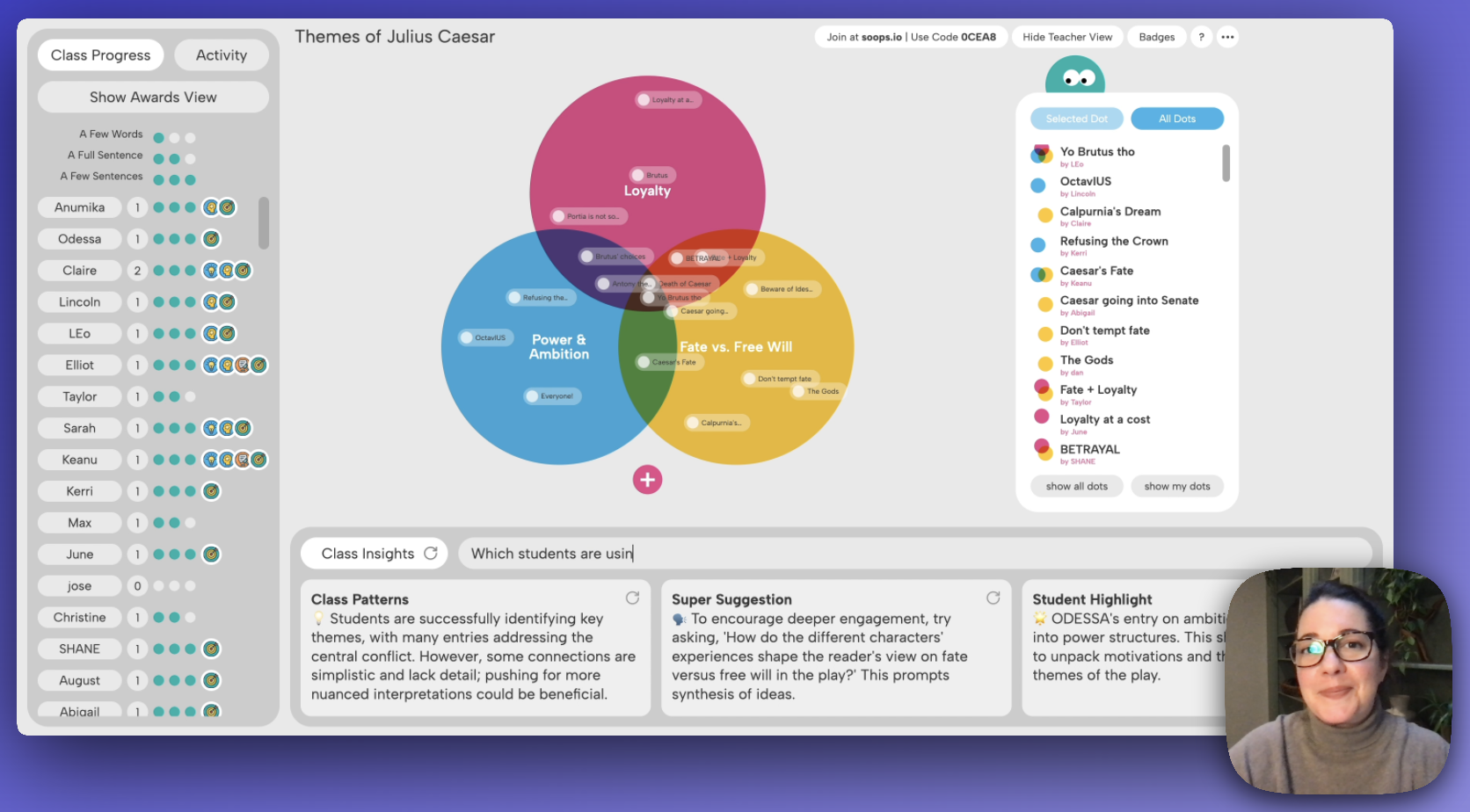
In this first feature spotlight, we’re pulling back the curtain on three powerful tools inside Teacher View that make it easier to guide instruction on the fly and turn teachable moments into momentum—without interrupting your flow.
We’re excited to share three brand-new Superstructures built from your feedback and inspired by your classrooms: Column, Web, and Poll. Your toolkit just got bigger. Take a look below, or jump straight to the video to see them in action!