Badges are built into every Superstructure, helping teachers track student progress while encouraging students to strengthen their thinking as they work. Each structure includes a set of default badges designed to work across all subjects, with the option to add custom badges for more targeted feedback like evaluating specific thinking skills or content-specific knowledge.
Badges are awarded by Soop, our friendly AI helper, based on the grade level you select when you create your Superstructure. Students can see their progress in real-time through badge progress bars, and earn a built-in “win” when they demonstrate mastery.
These badges are automatically built into every Superstructure. The Badge Progress View shows students how close their entry is to earning a badge and is visible to themselves and to the teacher. Access it by selecting an entry then clicking Badges at the top.
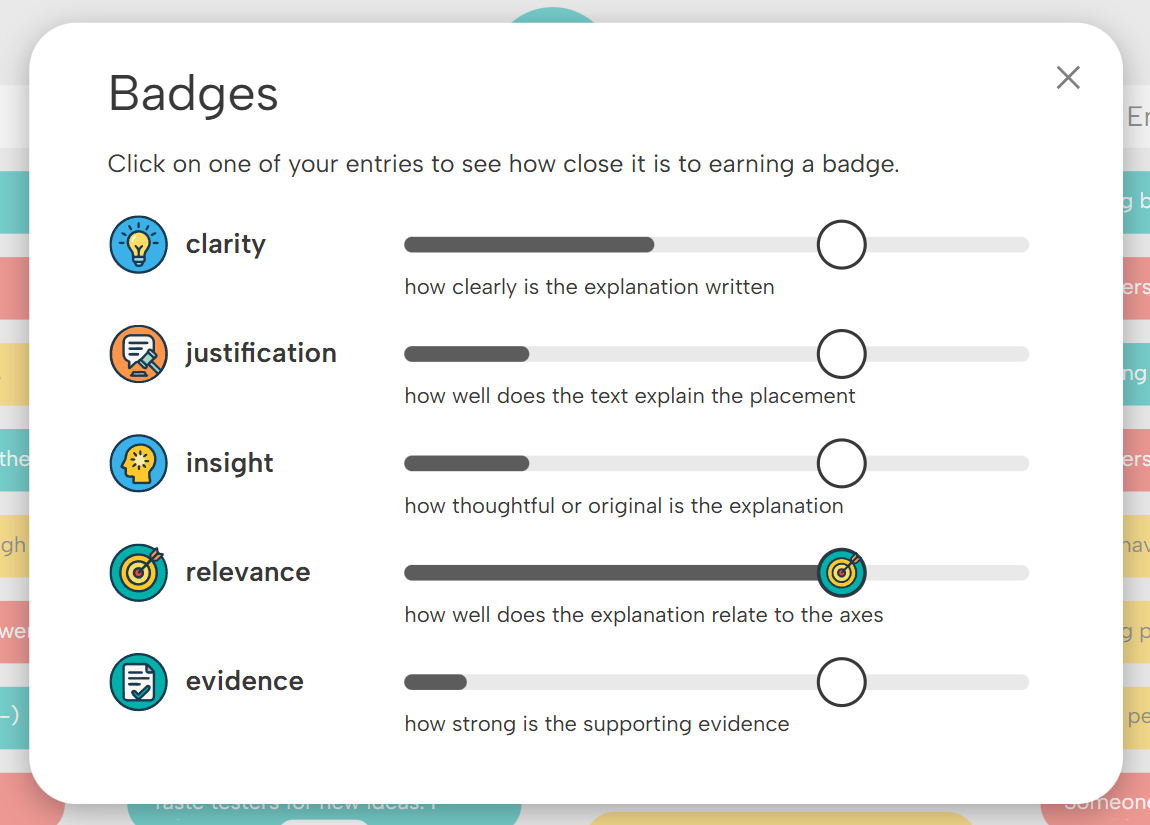
Badge Progress View
Teachers can create their own Custom Badges that align with any concept, lesson, standard, or text. Think of them as a flexible assessment layer inside each Superstructure: teachers set the learning targets, define the performance criteria, and collect instant skill-level data that they can actually use. Thinking-Skill Badges highlight transferable cognitive skills, while Content Knowledge Badges focus on the particular content or concept students are studying.
To create badges, select Customize Badges from the ••• menu in the top right. The Customize Badges window will appear and you can create your Custom Badges. You can also use the green Autogenerate Badges button at the top right of the Customize Badges popup to have Soop generate custom badges for you. When you are happy with your custom badges, click Submit to apply the badges to your structure.
Below, we've included some examples of Thinking Skills and Content Knowledge badges. Click on an image to open a text file of the badges, which you can easily copy-paste into the Customize Badges window.
%20(1).png)
Customize Badges window
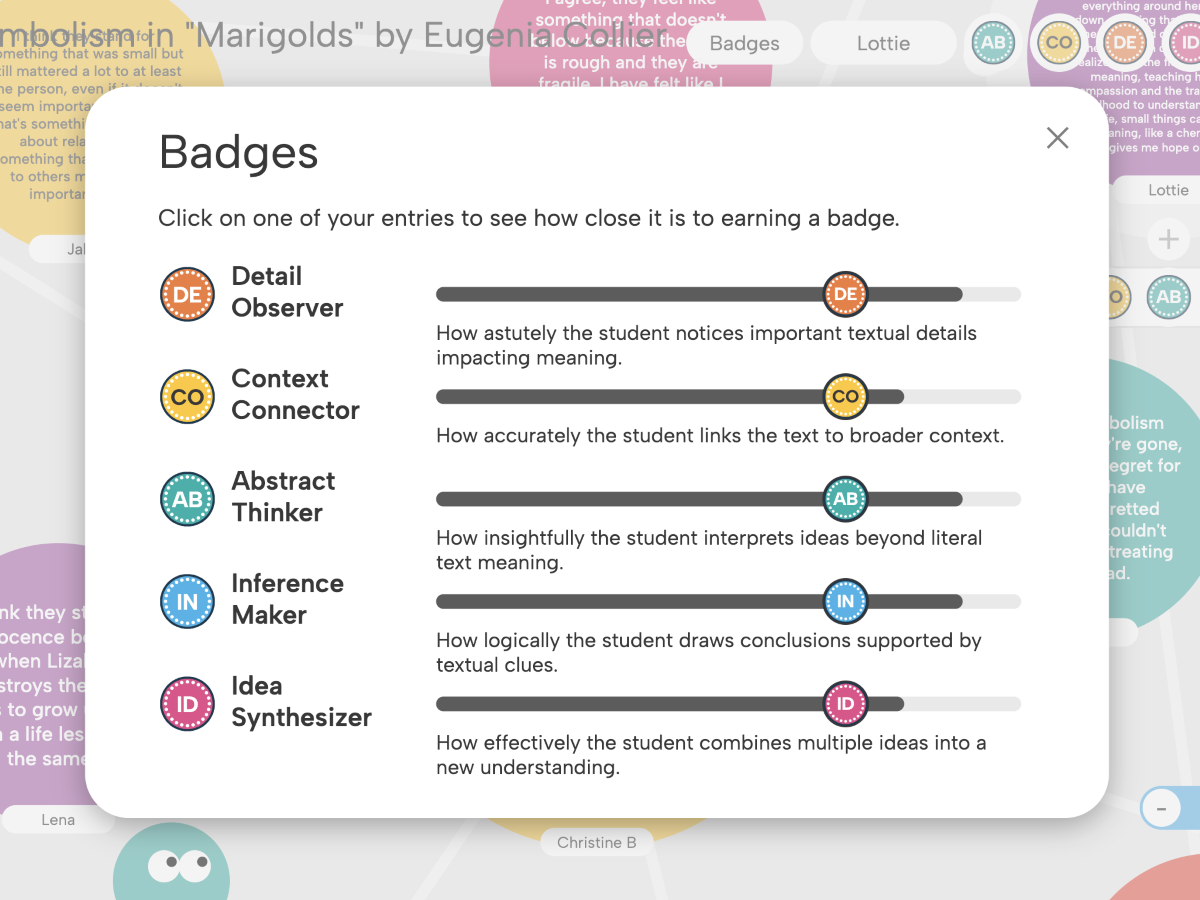
English: Close Reading

Social Studies: Cause & Effect
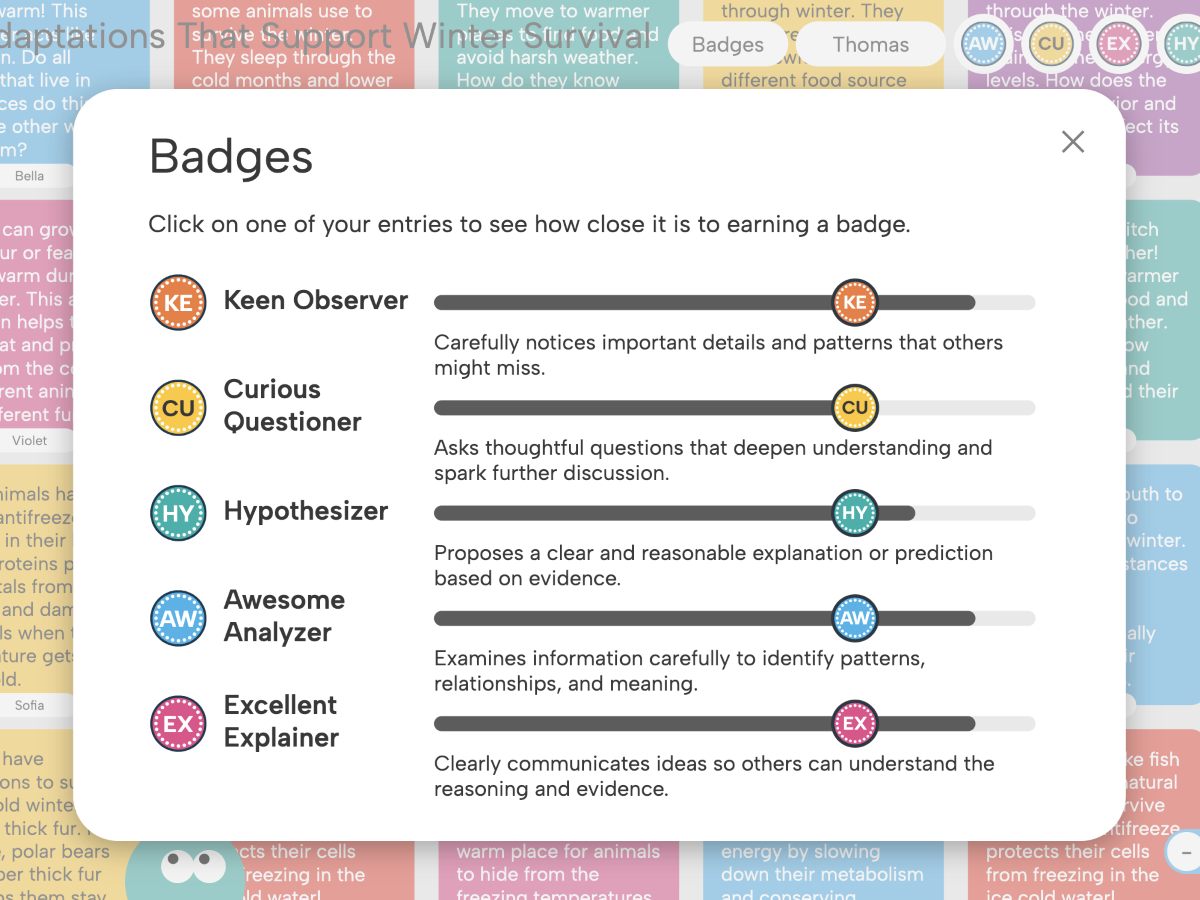
Science: Scientific Inquiry
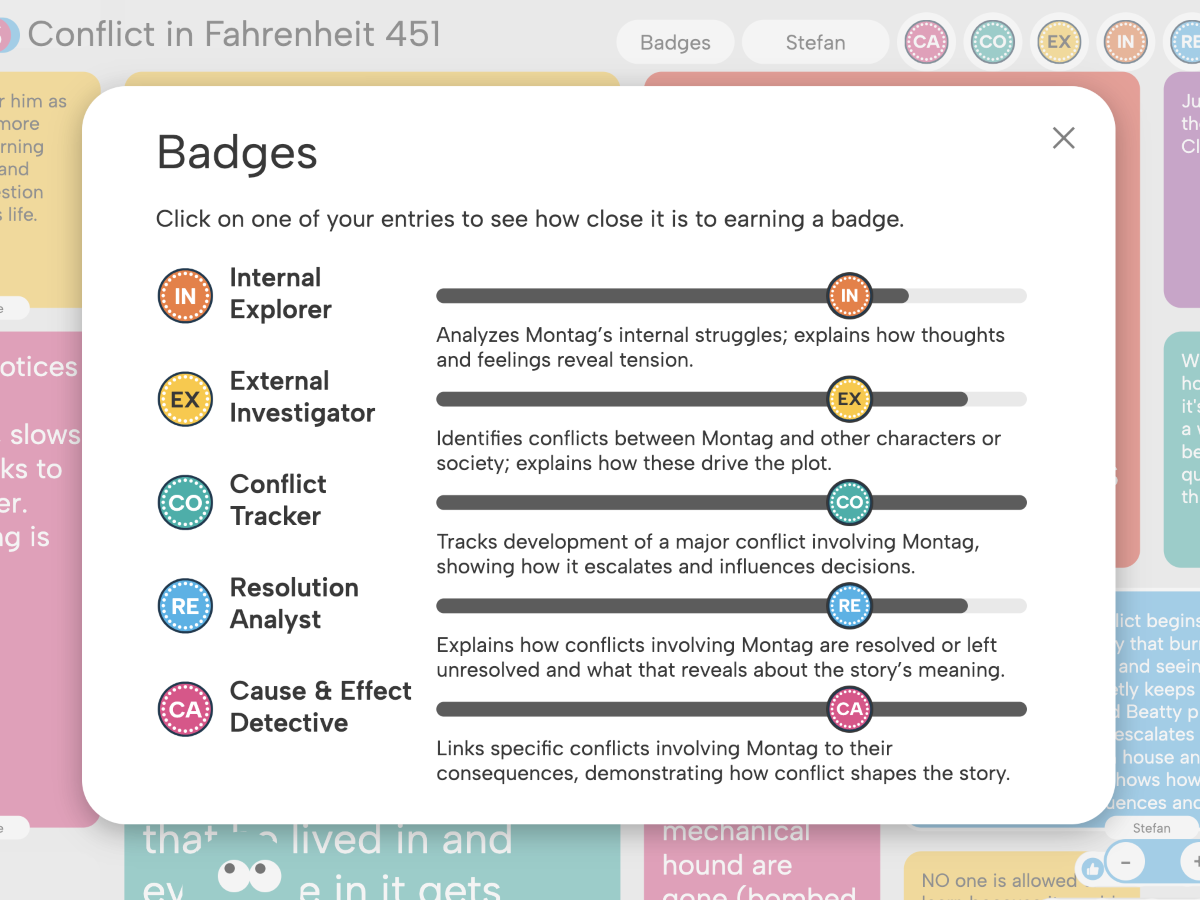
English: Fahrenheit 451
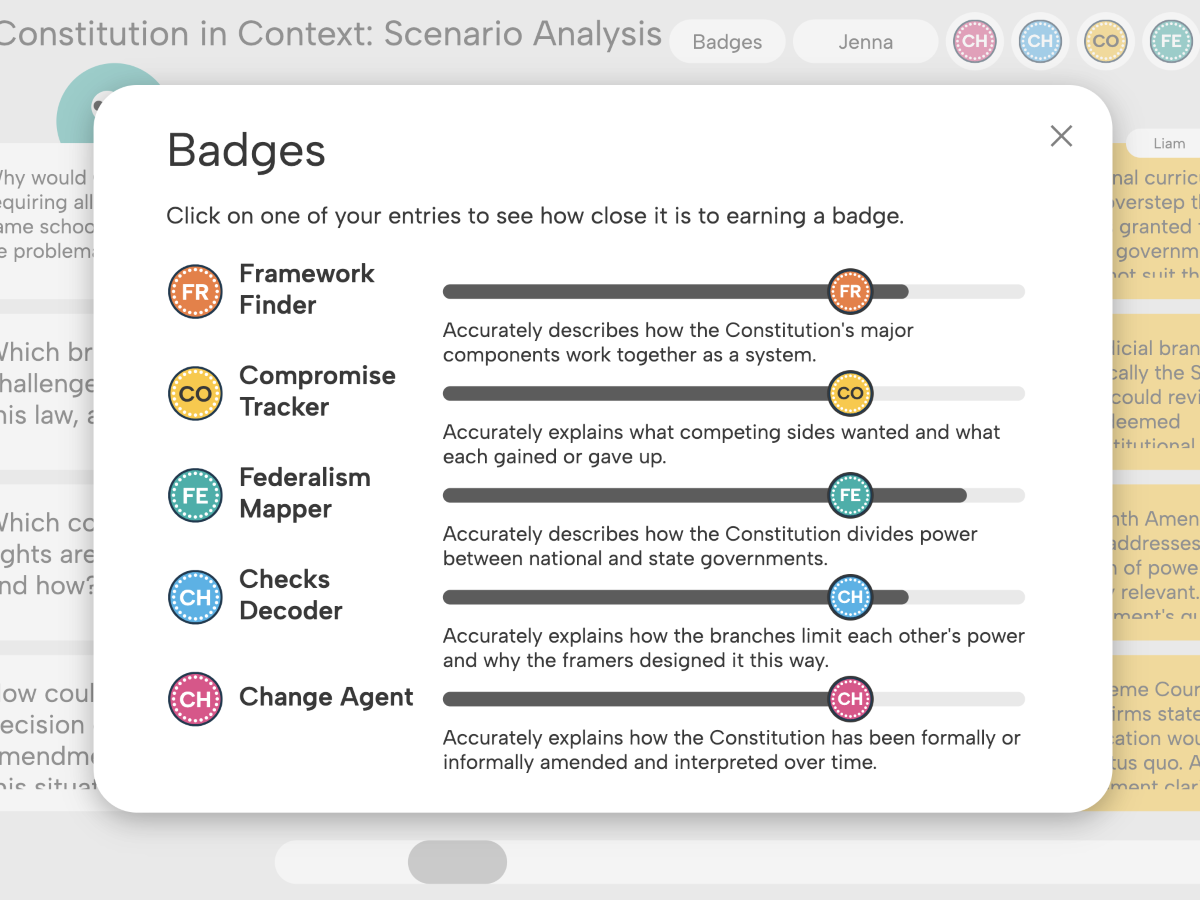
Social Studies: The Constitution
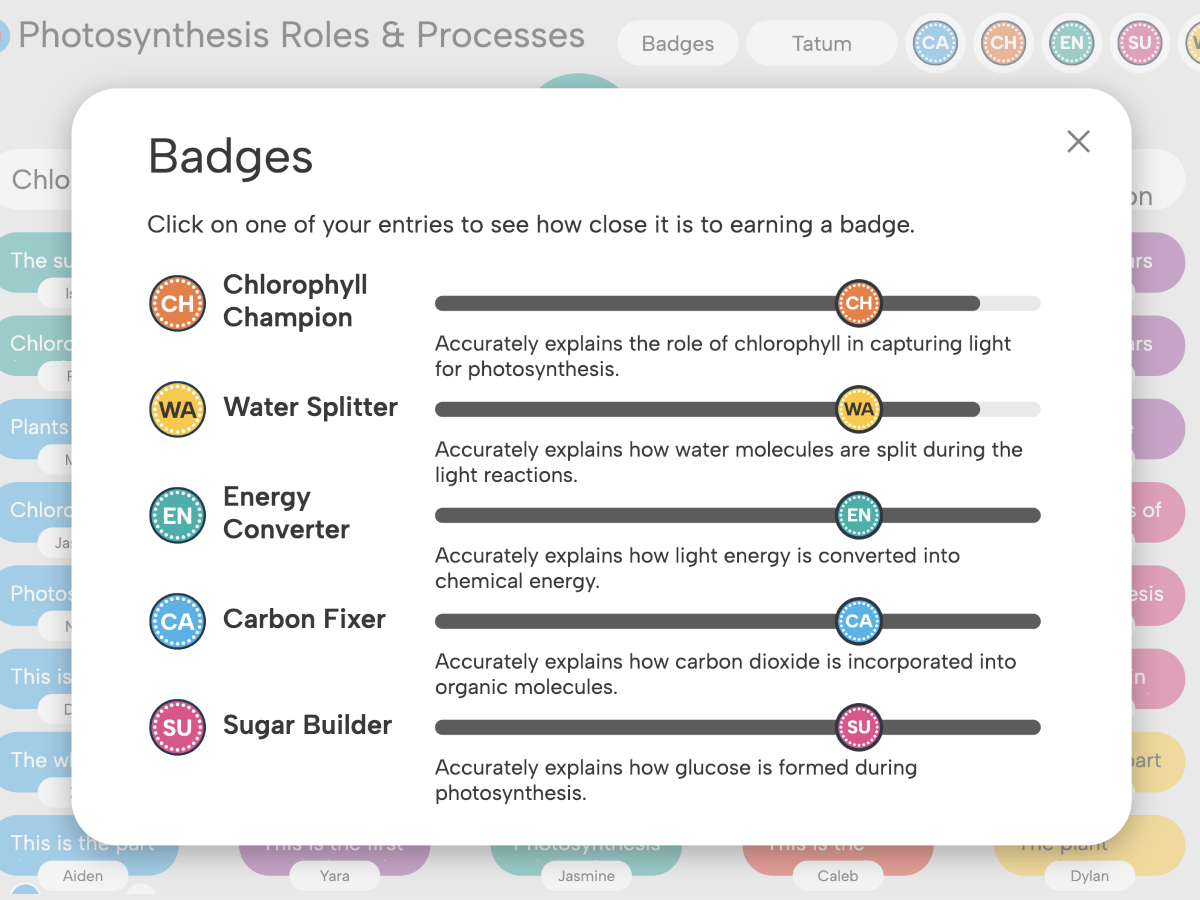
Science: Photosynthesis
