Explore each Superstructure to see how it shapes student thinking. Each one highlights a specific cognitive skill and shows how teachers use it in real classroom contexts. Click the buttons below to dive into each structure, learn how to apply it, and view examples from different subject areas.
Connect invites students to generate ideas connected to a central topic and explain their thinking. Students create a titled contribution, elaborate on their idea in a short paragraph, and explore responses from classmates. Check out our sample collection of Connect structures and our Connect how-to video for teachers.
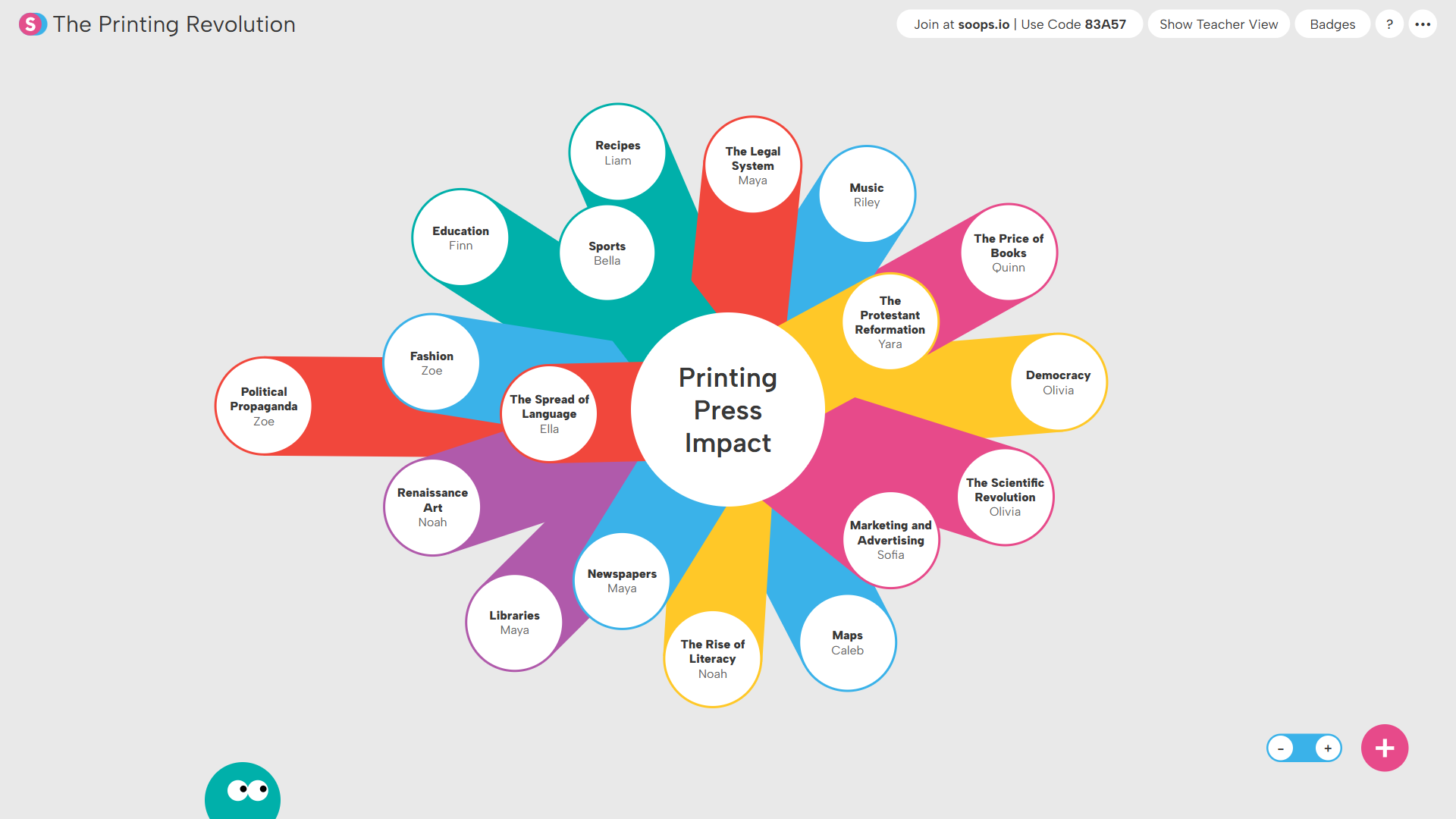
Students list effects of a historical event...
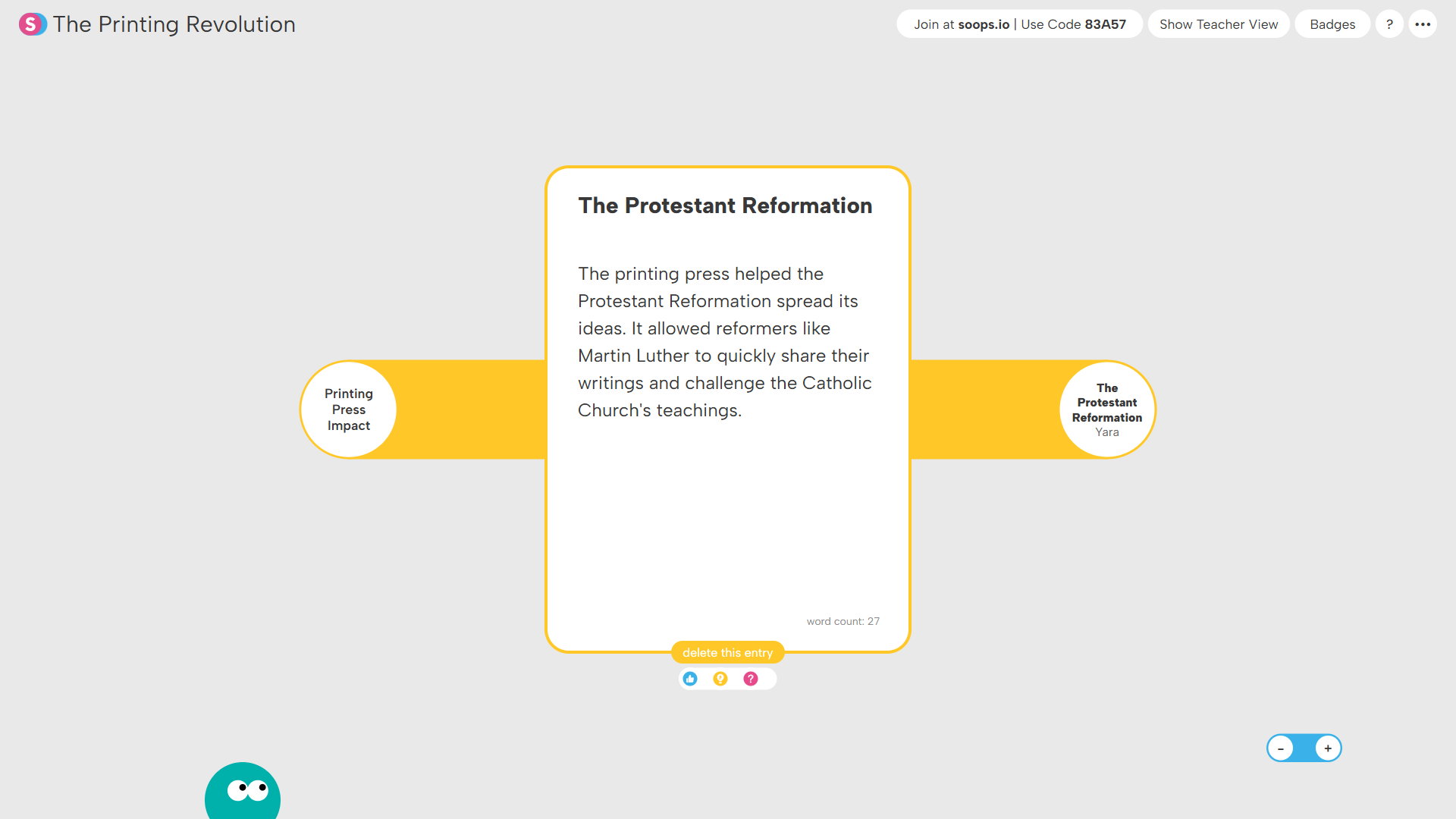
...and explain how those effects unfolded.
Noteboard invites students to generate and elaborate on ideas in response to a topic or question. Students may place contributions freely on the canvas and rearrange them to organize ideas relative to others. Check out our sample collection of Noteboard structures and our Noteboard how-to video for teachers.
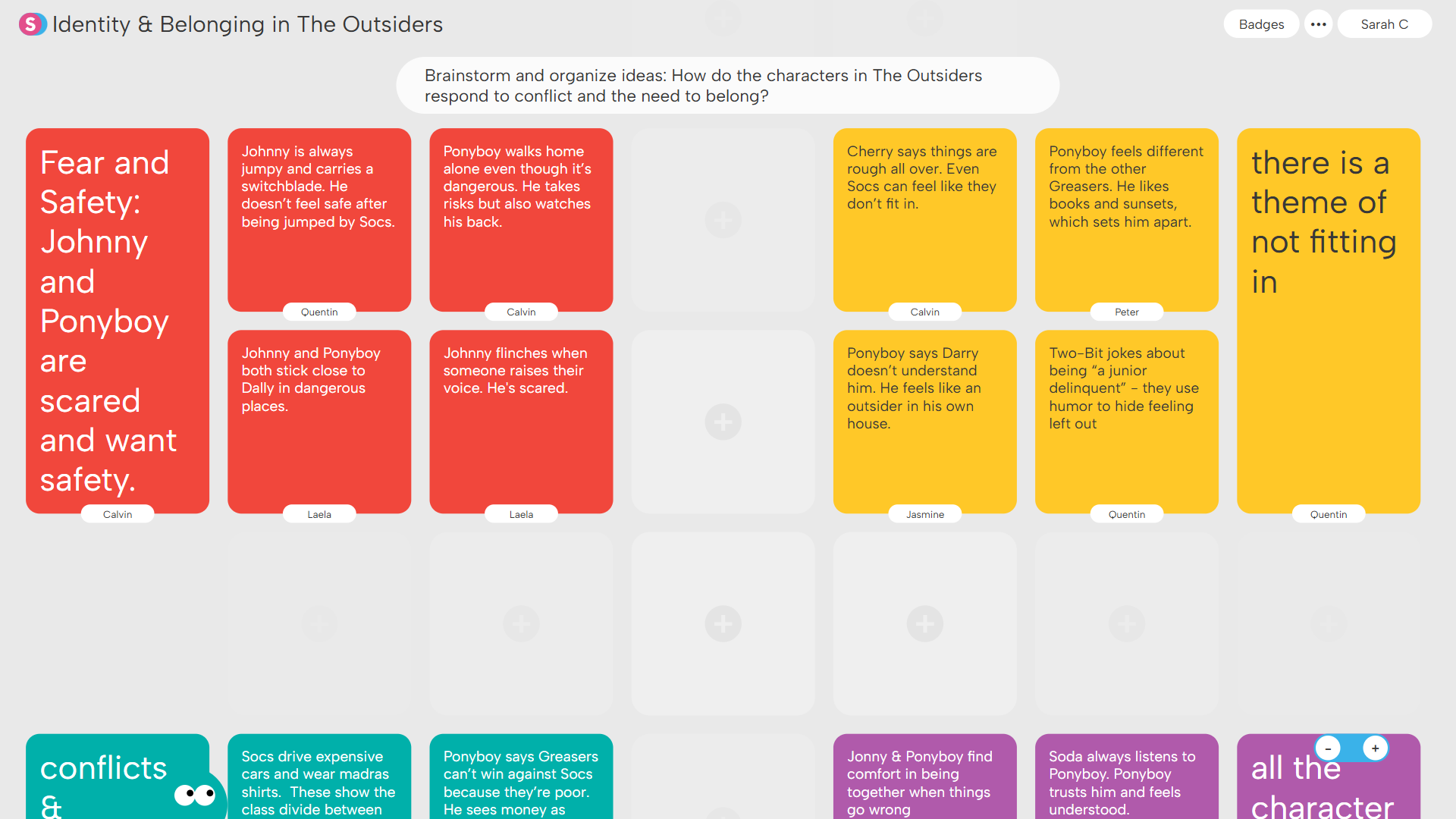
Students brainstorm and group examples of themes...
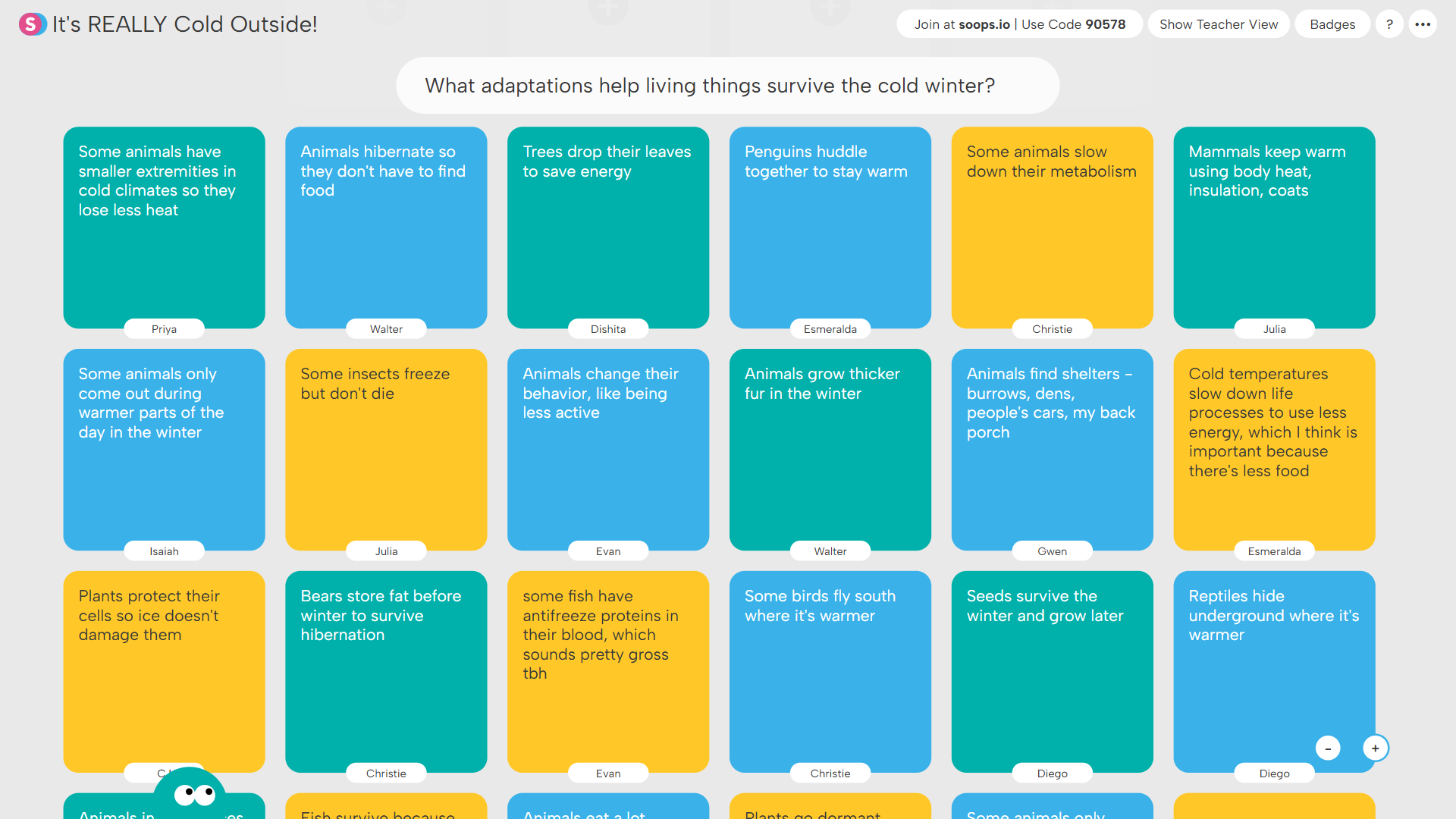
...or create color-coded boards of scientific examples.
Venn invites students to generate ideas and place them into overlapping categories. Students identify similarities and differences, justify what belongs in each region, and consider peer contributions. Check out our sample collection of Venn structures and our Venn how-to video for teachers.
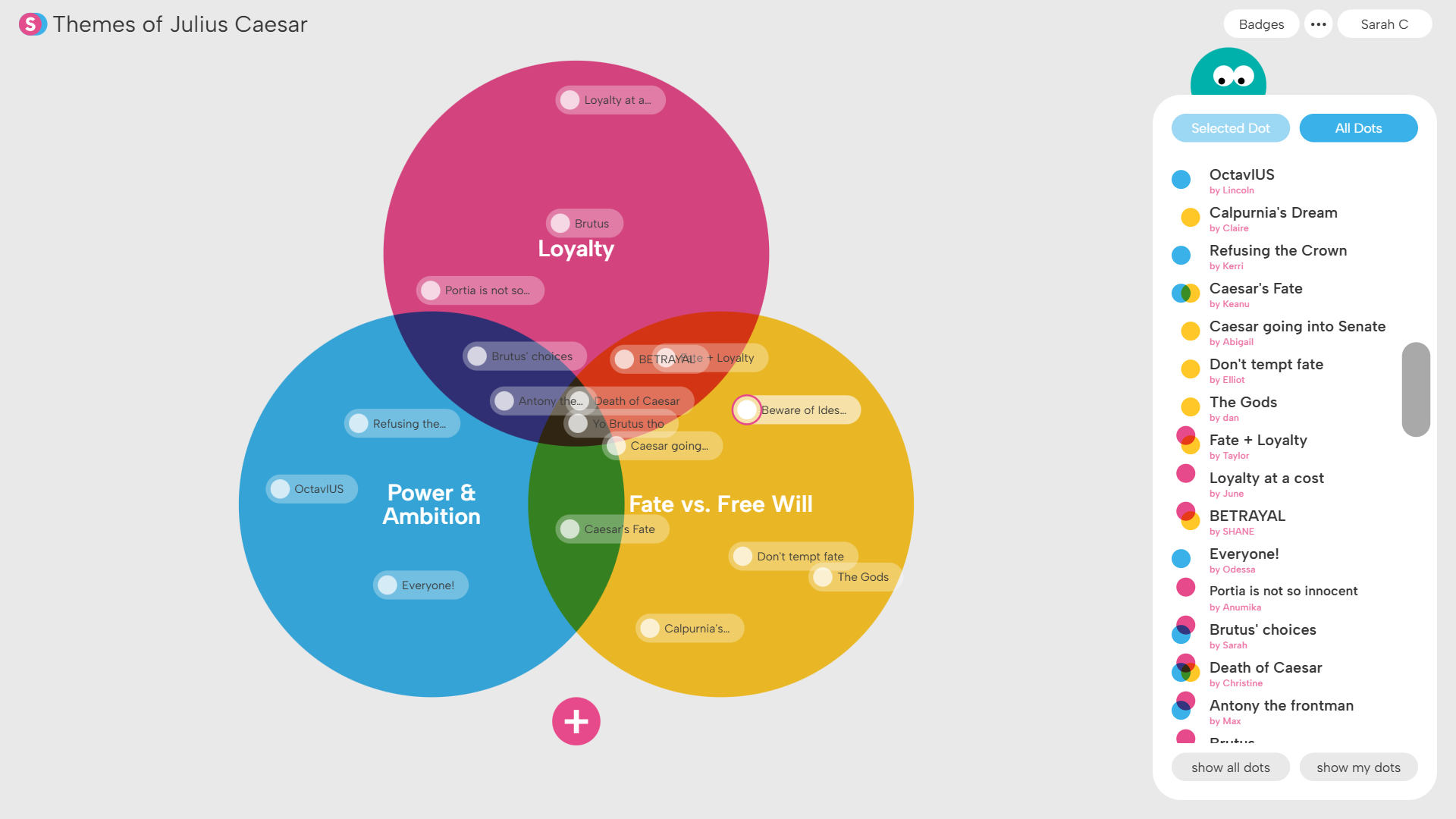
Students generate ideas about different themes...
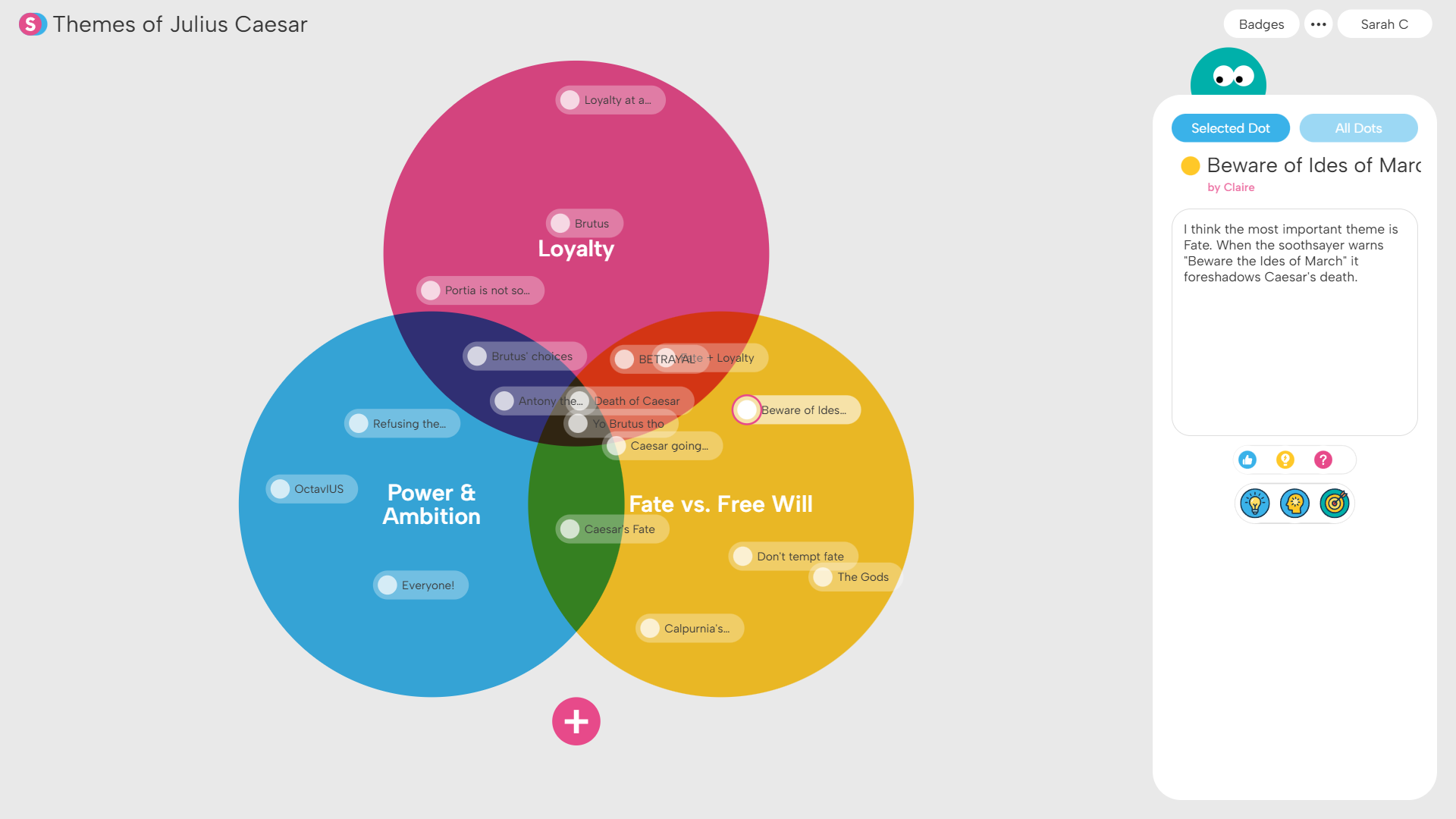
...and explain why those ideas fit in those different categories.
Debate invites students to construct arguments for or against an idea in response to a teacher-posed question. Students may develop original arguments, respond to classmates, or ponder the arguments put forth by others. Check out our sample collection of Debate structures and our Debate how-to video for teachers.
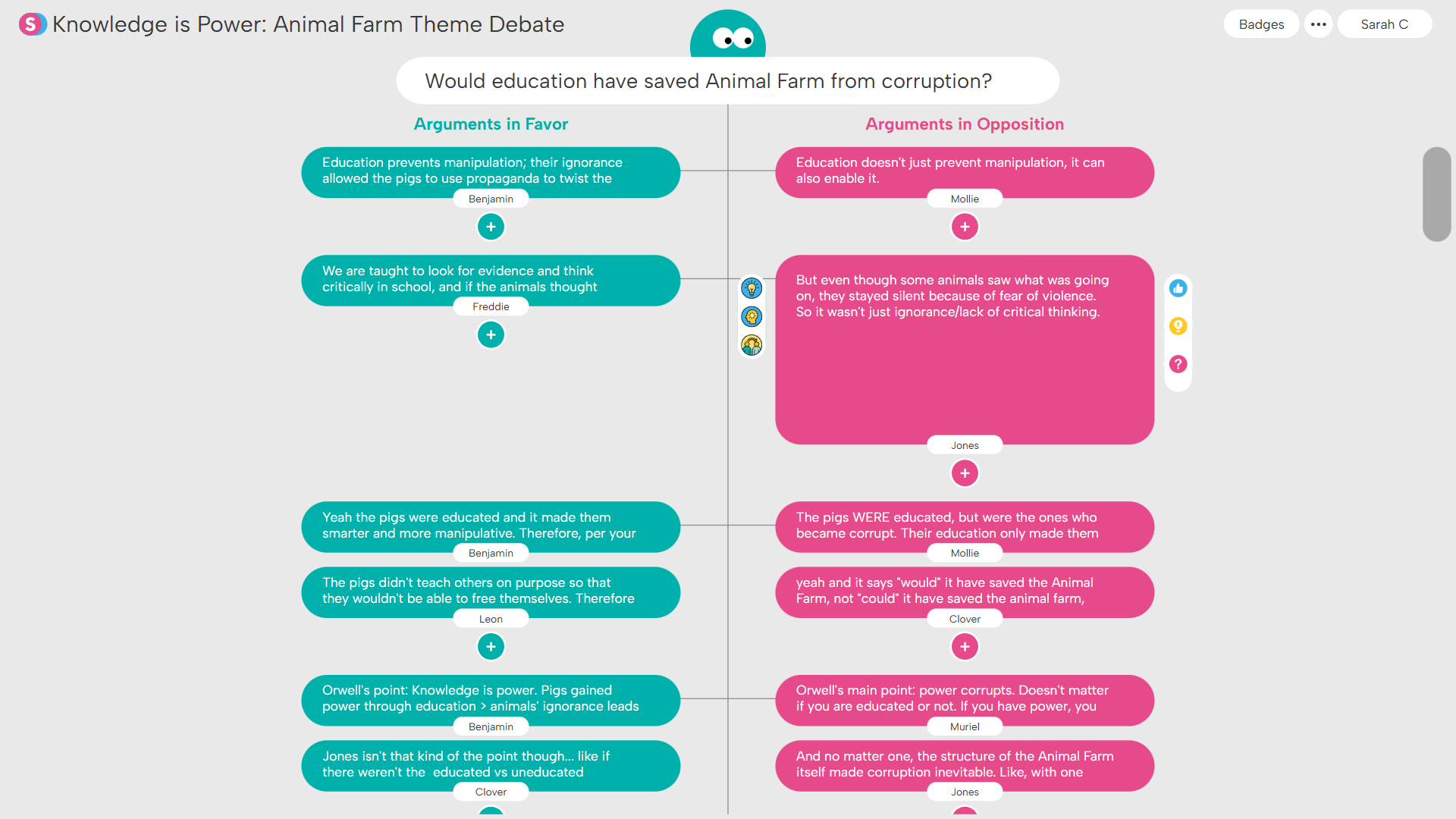
Students debate ideas & consequences in literature...
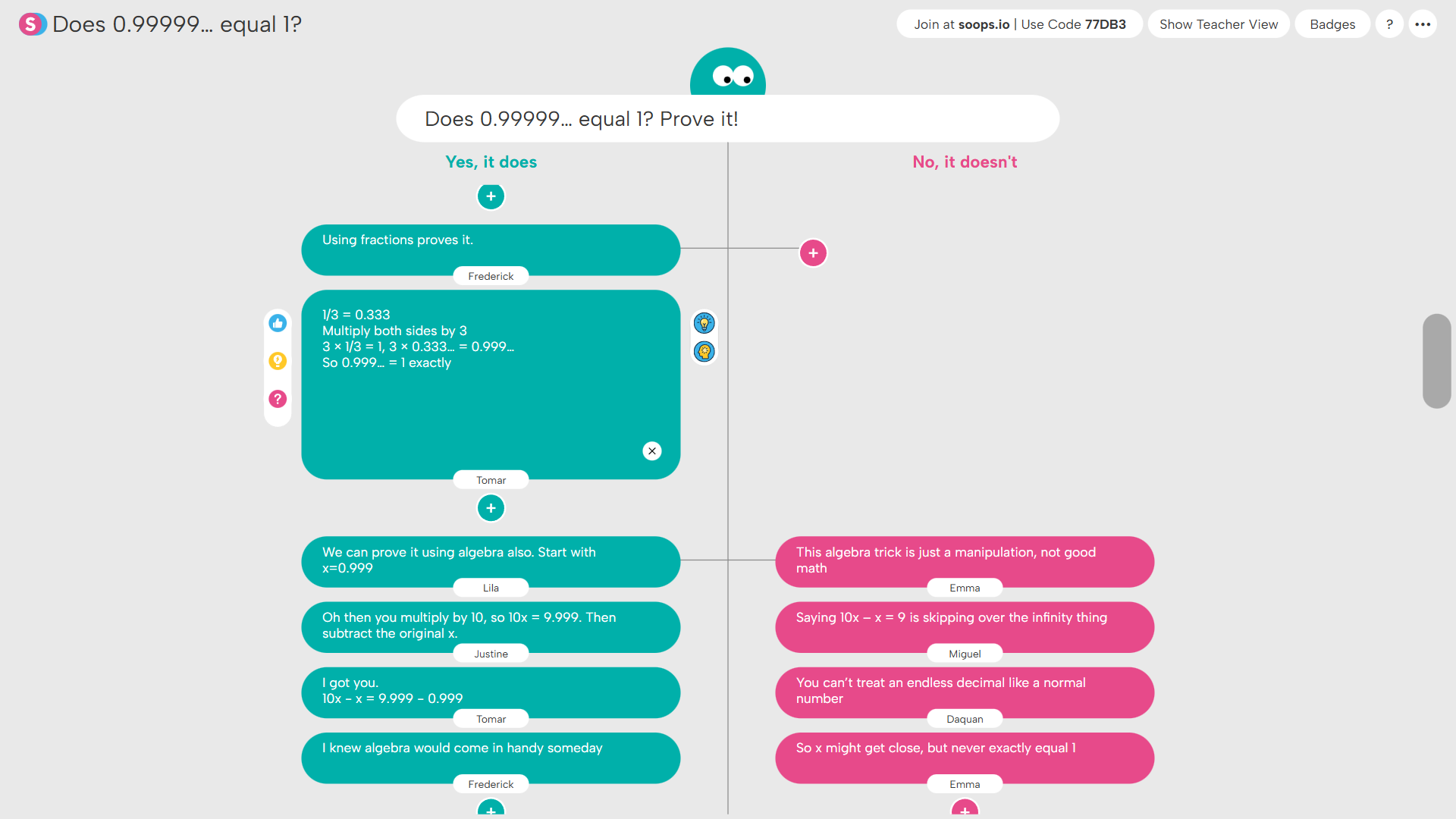
...or debate the limits of numbers & understanding in math.
Dot Plot invites students to analyze teacher-generated ideas across two dimensions. Students determine each idea’s position, justify their reasoning, and review peer contributions across the plane. Check out our sample collection of Dot Plot structures and our Dot Plot how-to video for teachers.
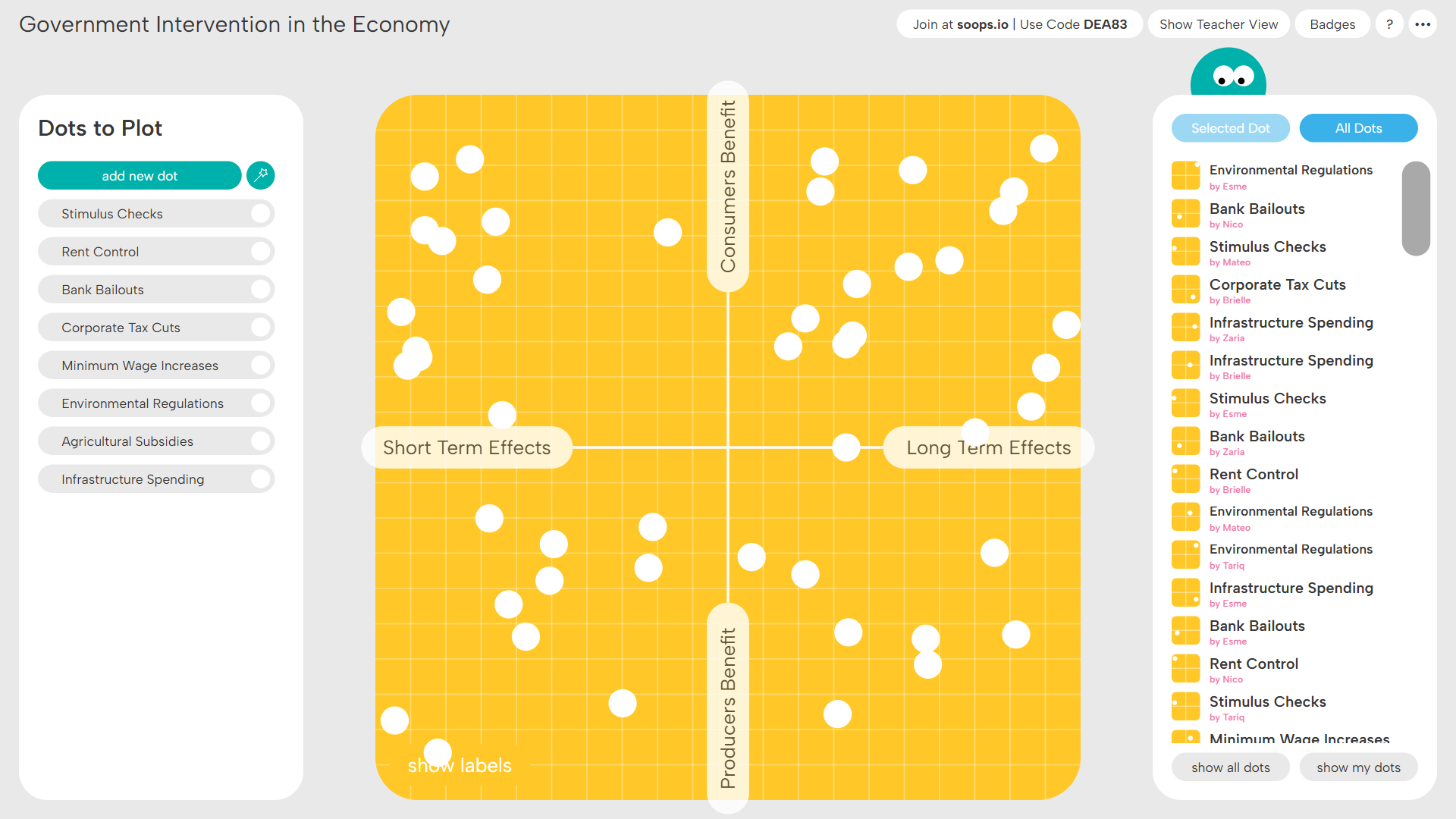
Students decide where to place the assigned ideas...
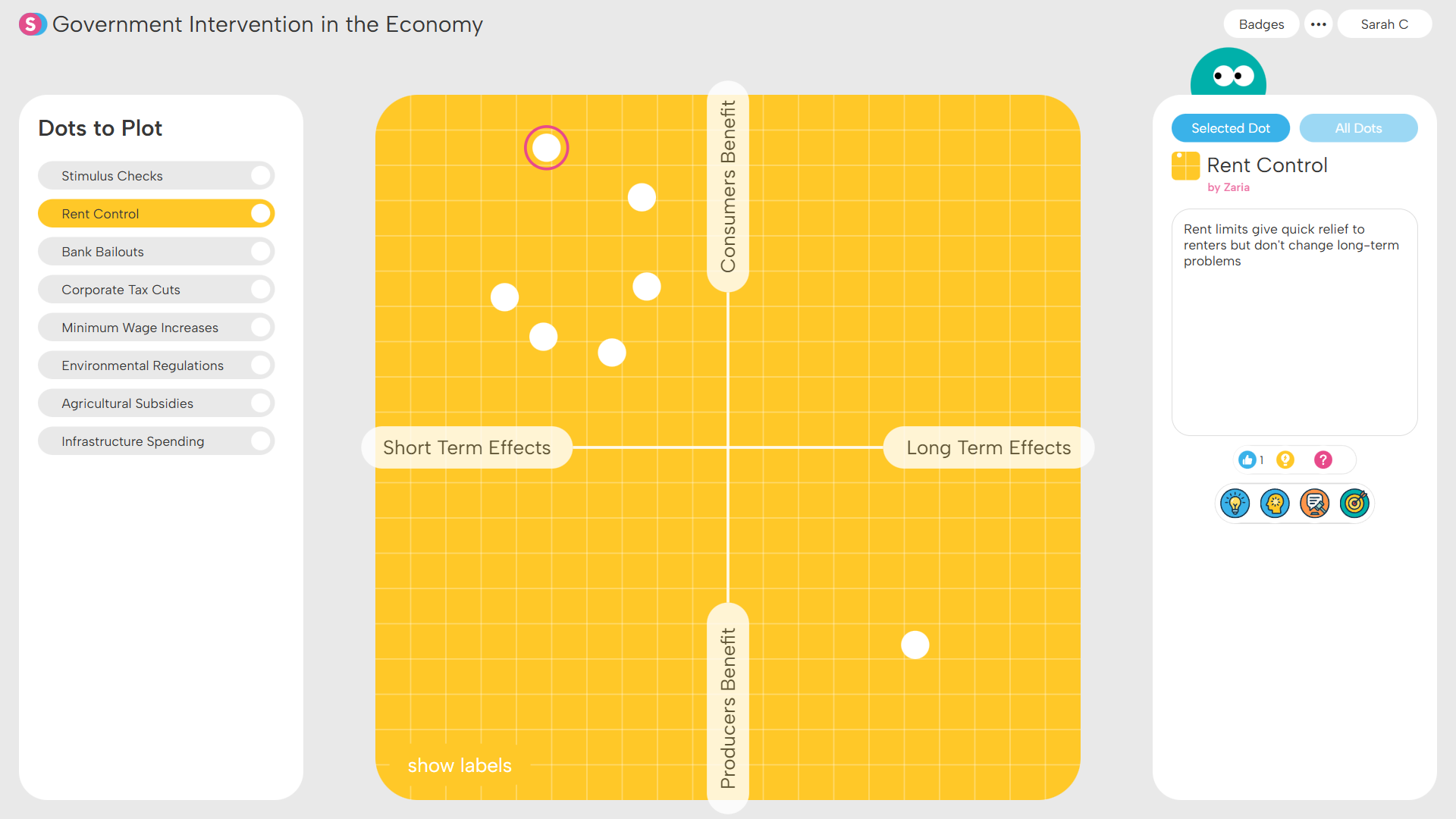
...and justify their reasoning for the placement.
Web invites students to generate ideas and map the connections between them. Students may create new contributions extending from existing ones and link to those created by classmates. Check out our sample collection of Web structures and our Web how-to video for teachers.
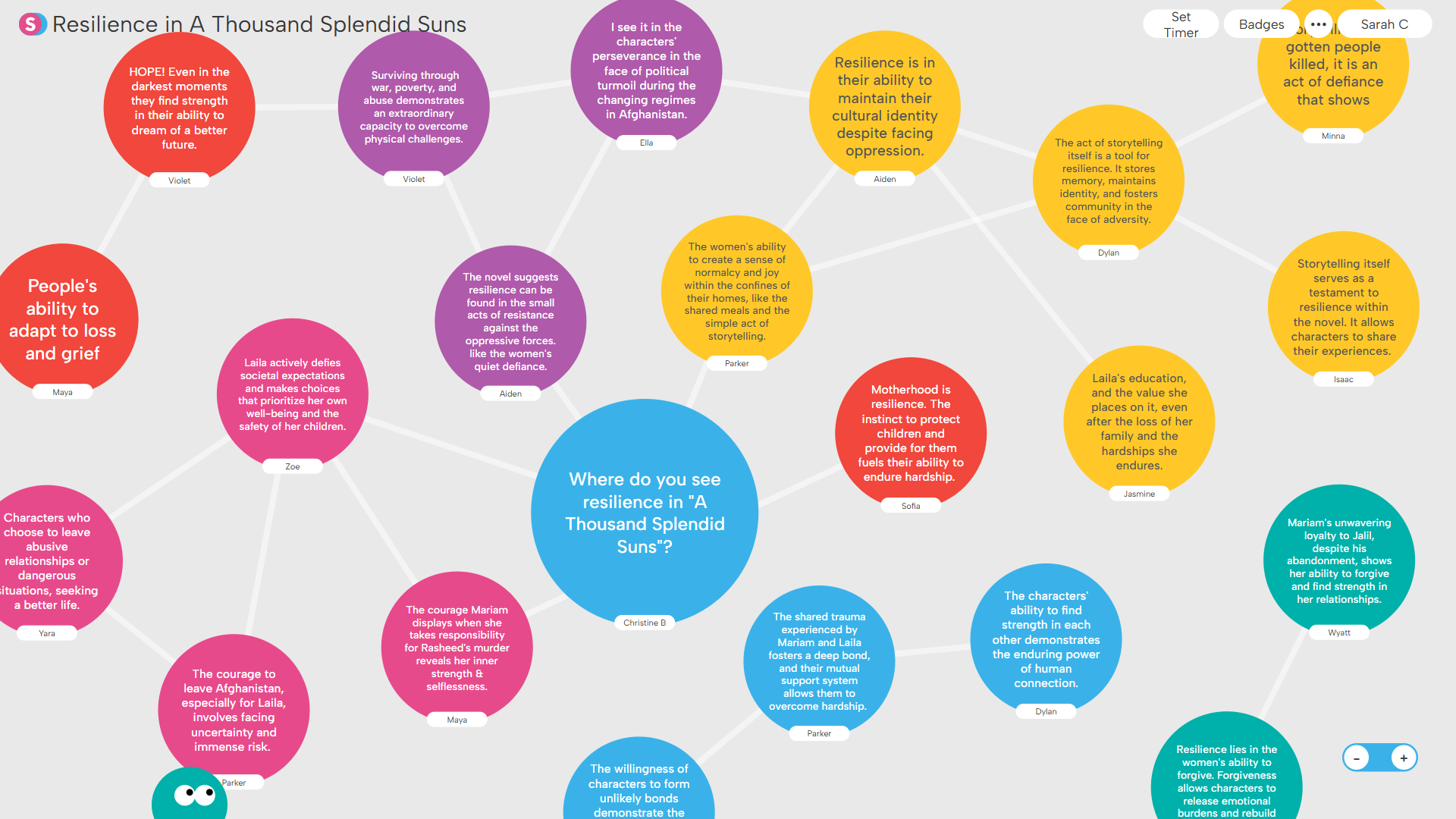
Students build a web about resilience in a novel...
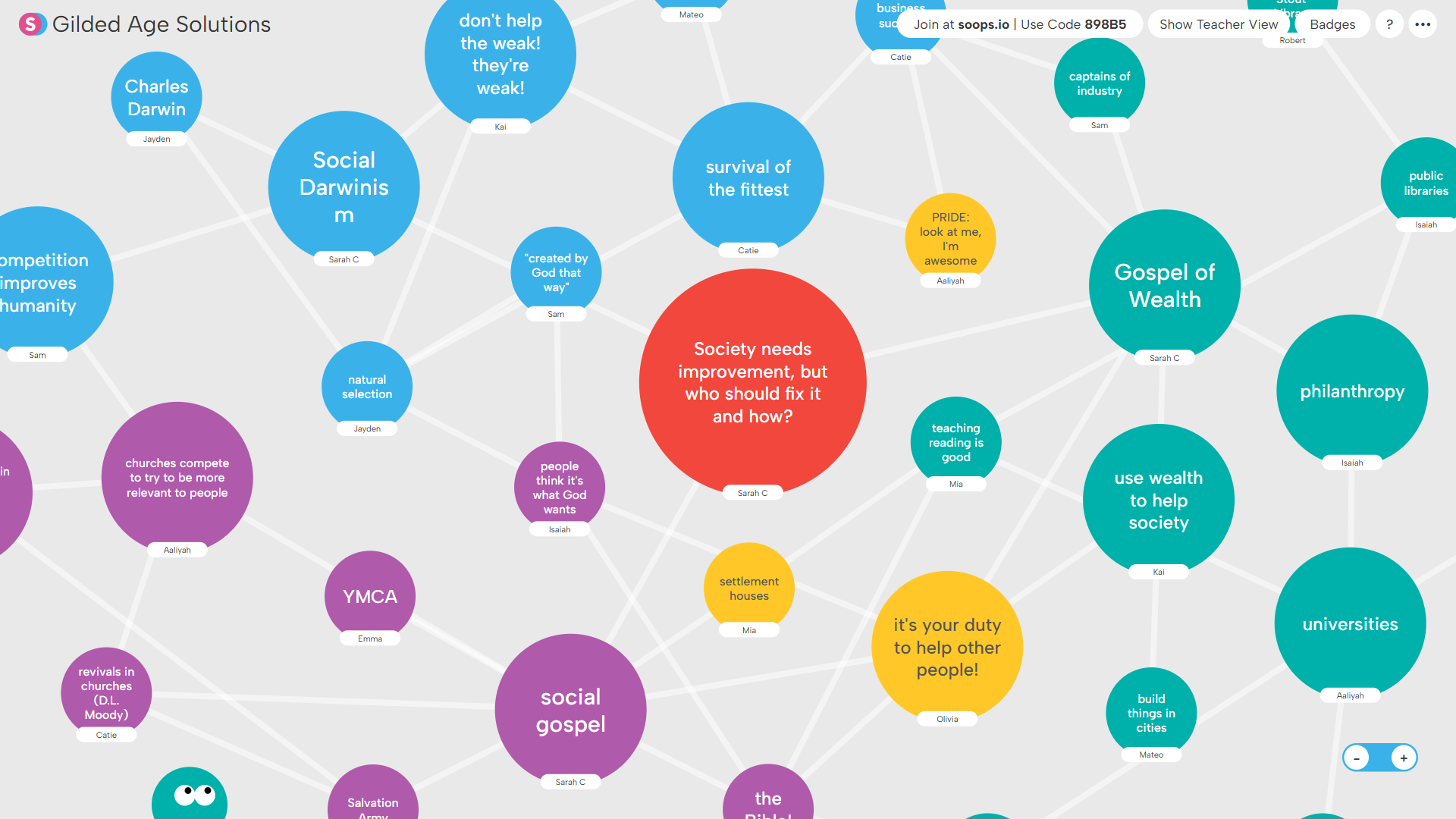
...or develop connections between different approaches to society.
Poll invites students to cast a single vote on a topic. Students make a choice, justify their reasoning and consider how their fellow classmates voted. Check out our sample collection of Poll structures and our Poll how-to video for teachers.
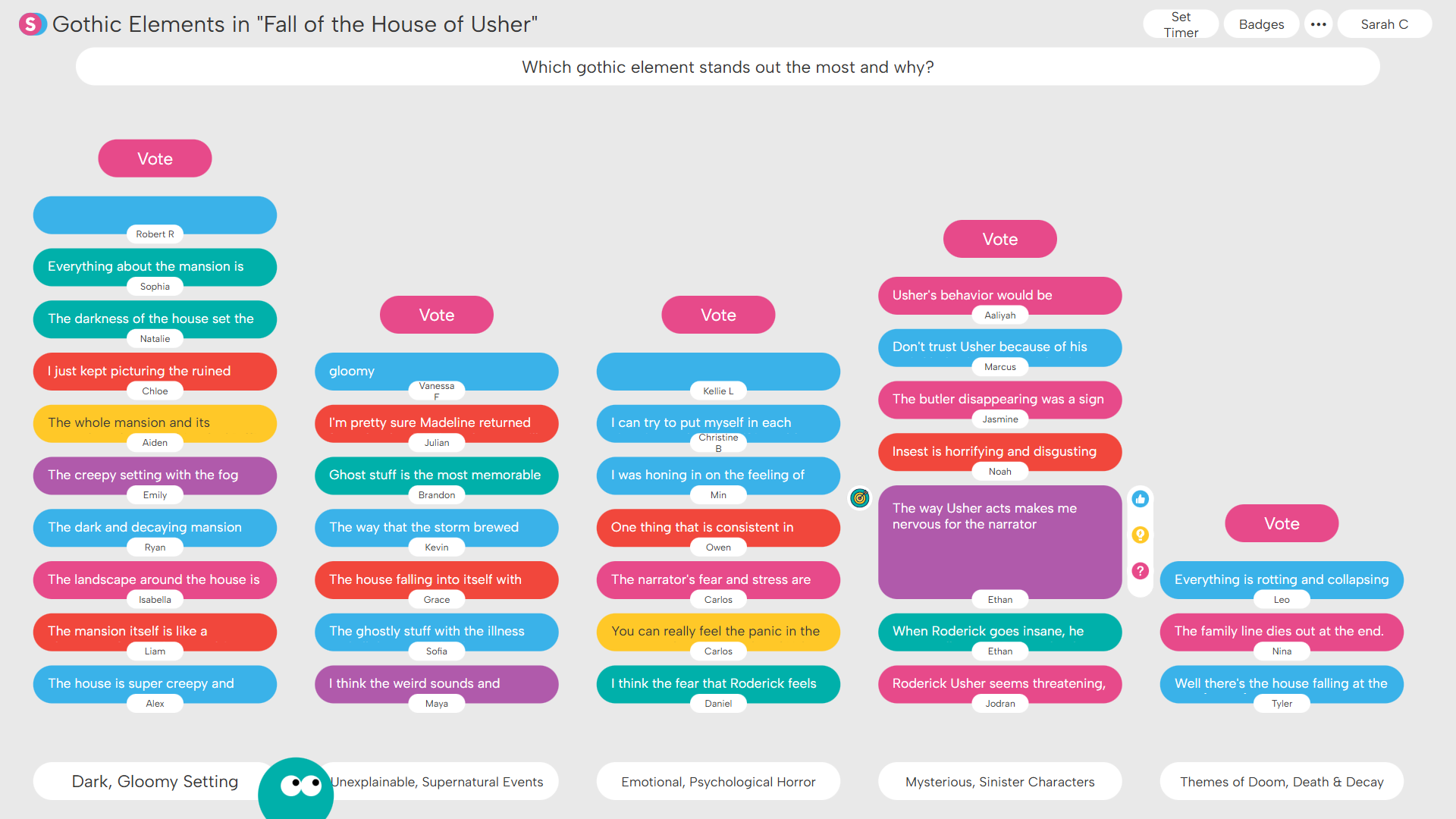
Students vote on which element stands out in a short story...
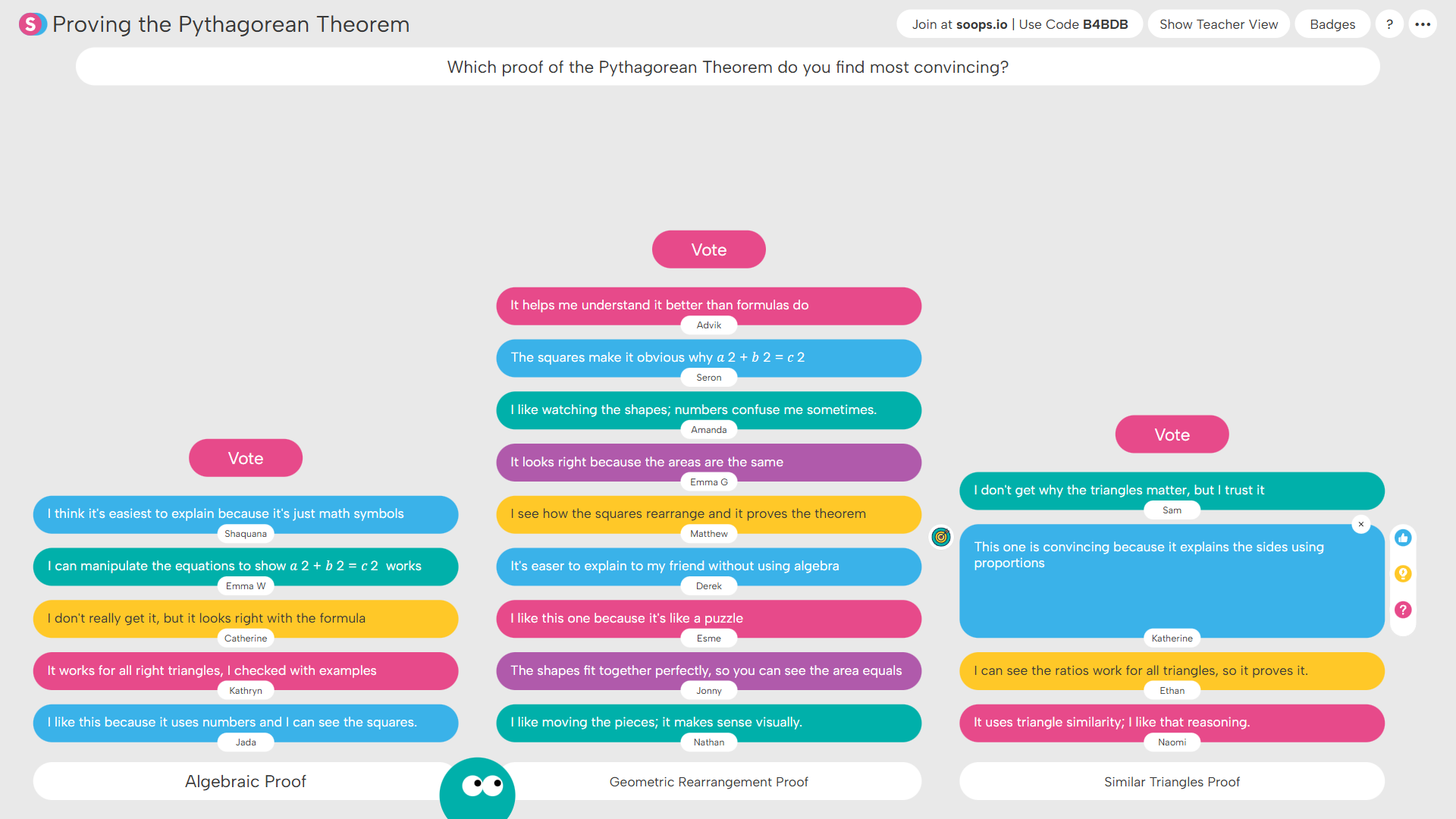
...or vote on which proof of a theorem is most convincing.
Sequence invites students to generate ideas that follow a teacher-defined pattern. Students craft their own contributions and review how others responded to the same pattern. Check out our sample collection of Sequence structures and our Sequence how-to video for teachers.
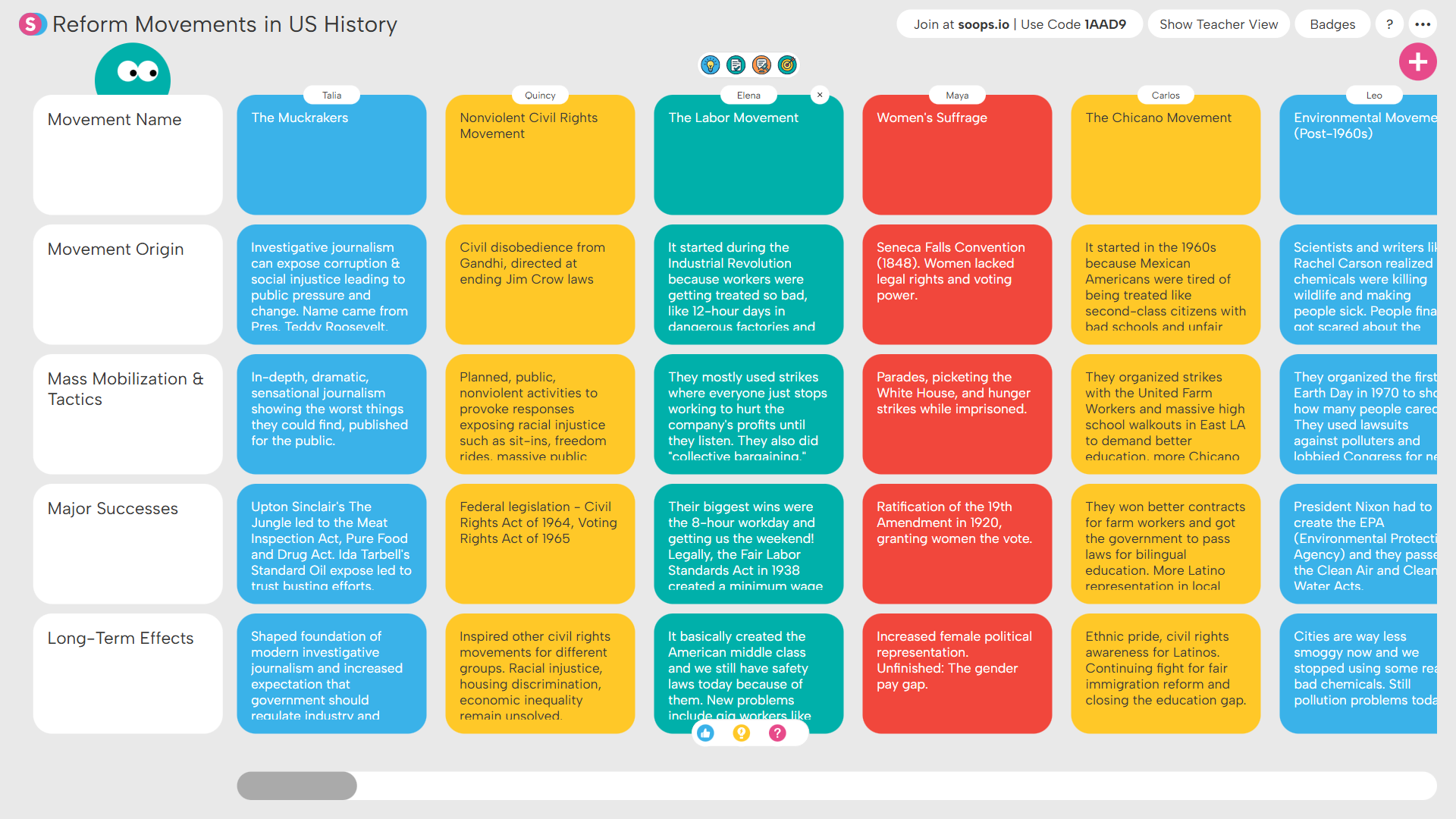
Students map out reform movements in US History...
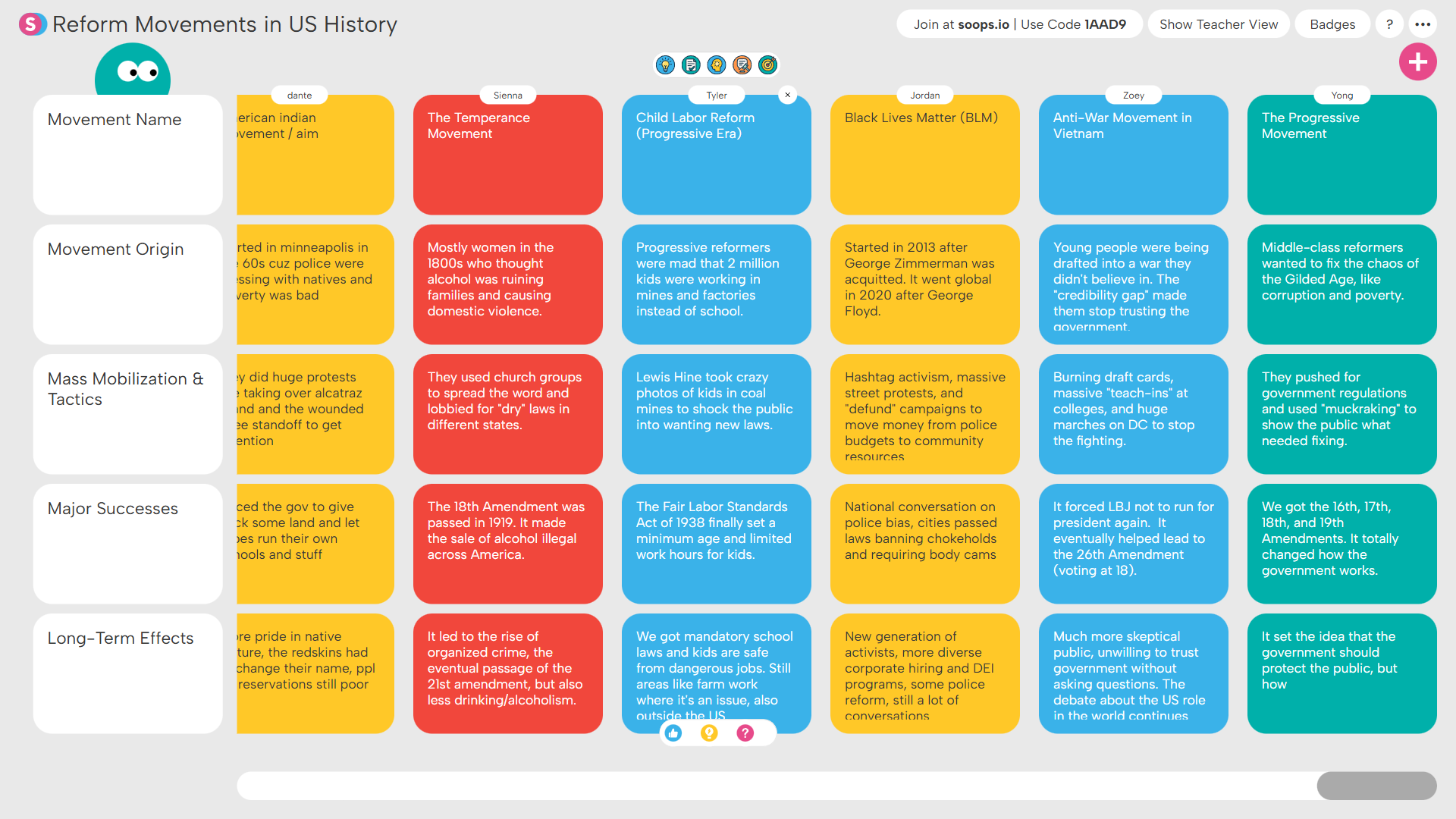
...each studying a different one to build a whole-class overview.
Columns invites students to generate and explain ideas within teacher-defined categories. Students may create multiple contributions and explore ideas shared by their peers. Check out our full sample collection of Columns structures and our Columns how-to video for teachers.

Curate examples of literary devices from your text...
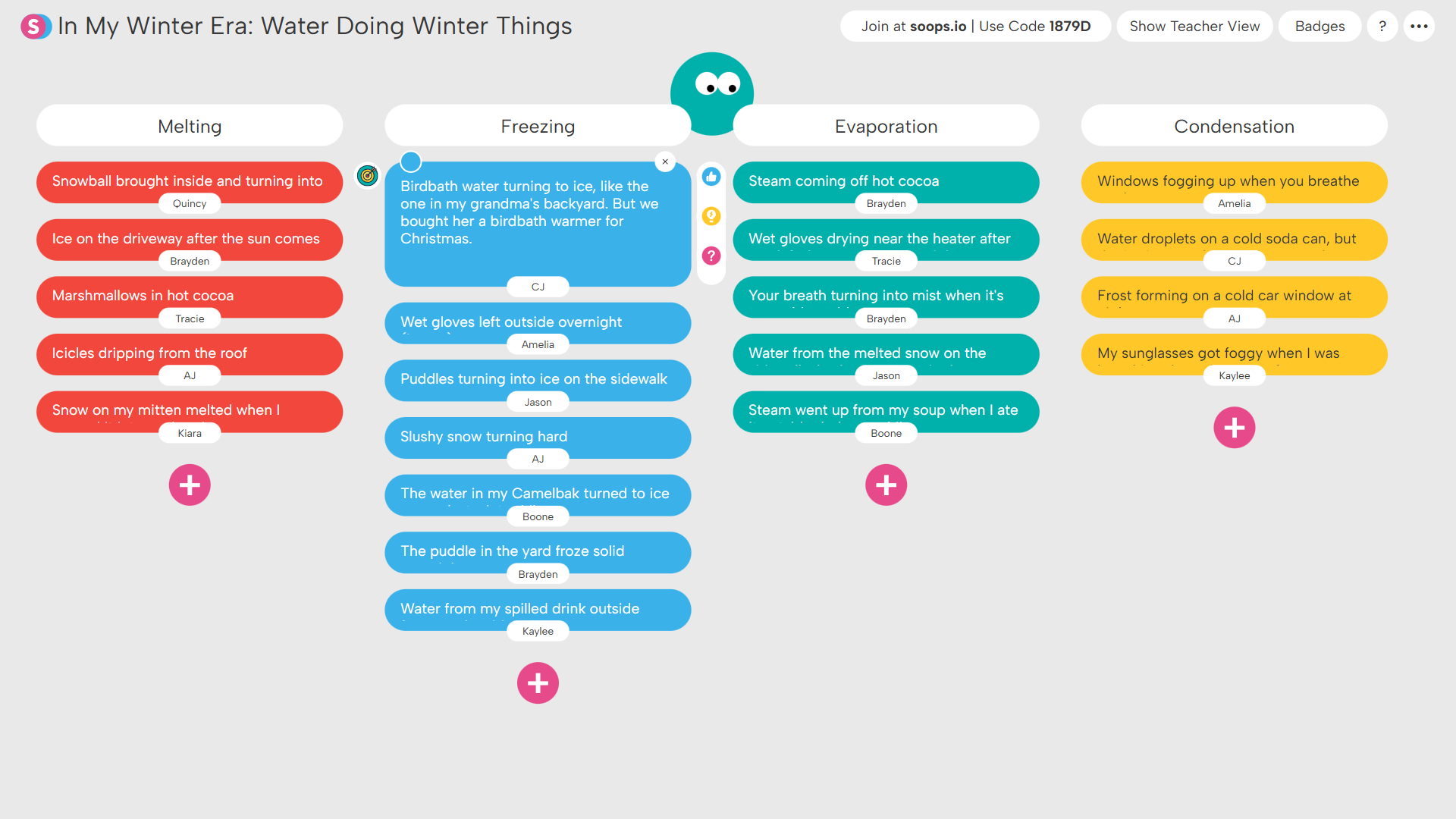
...or generate examples of scientific concepts in the real world.
Spectrum invites students to analyze ideas by positioning them along a continuum between two defined poles. Students determine where ideas fall, explain their reasoning and explore where their classmates placed the same ideas. Check out our sample collection of Spectrum structures and our Spectrum how-to video for teachers.
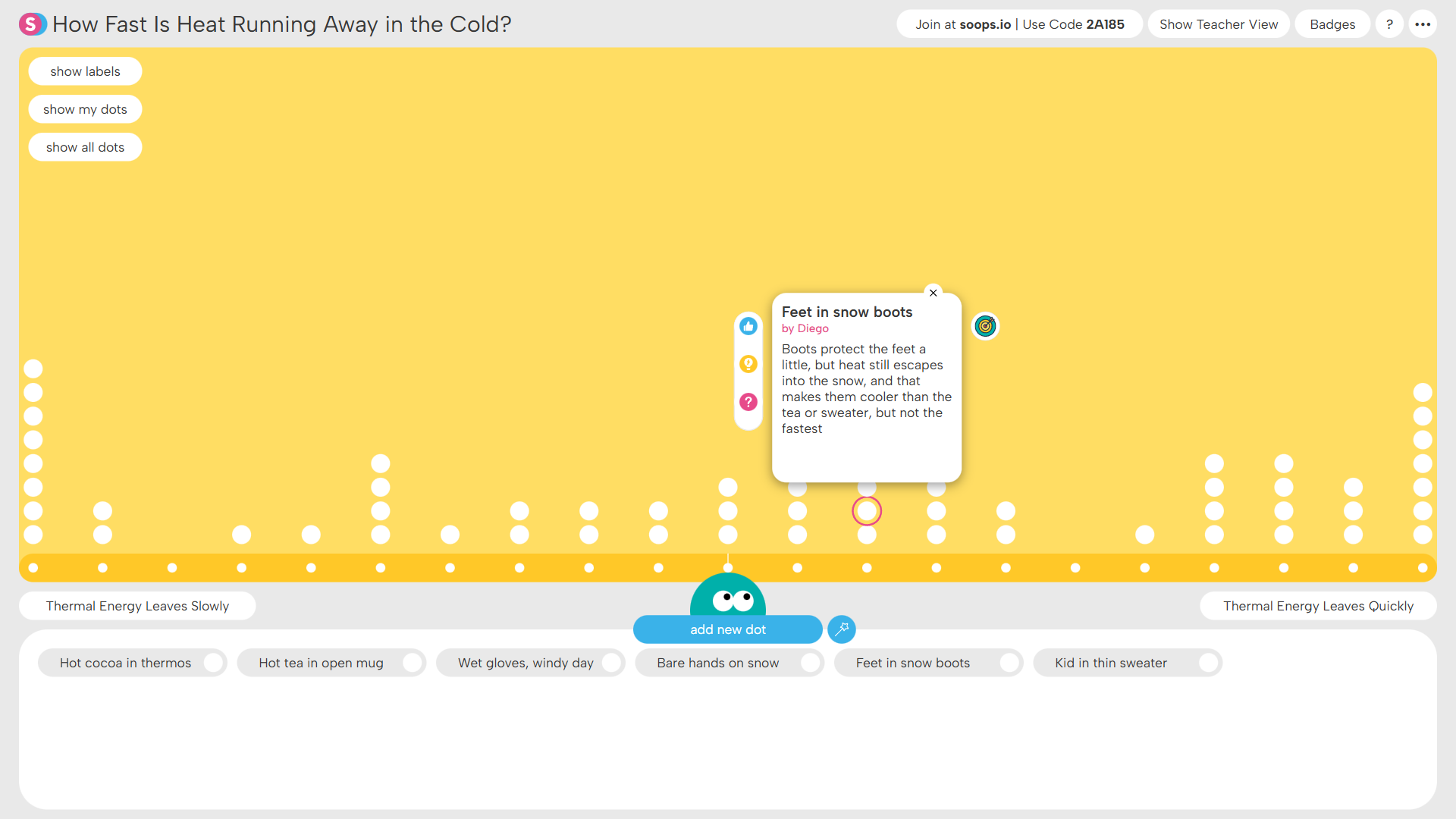
Students analyze how fast thermal energy flees in the winter...
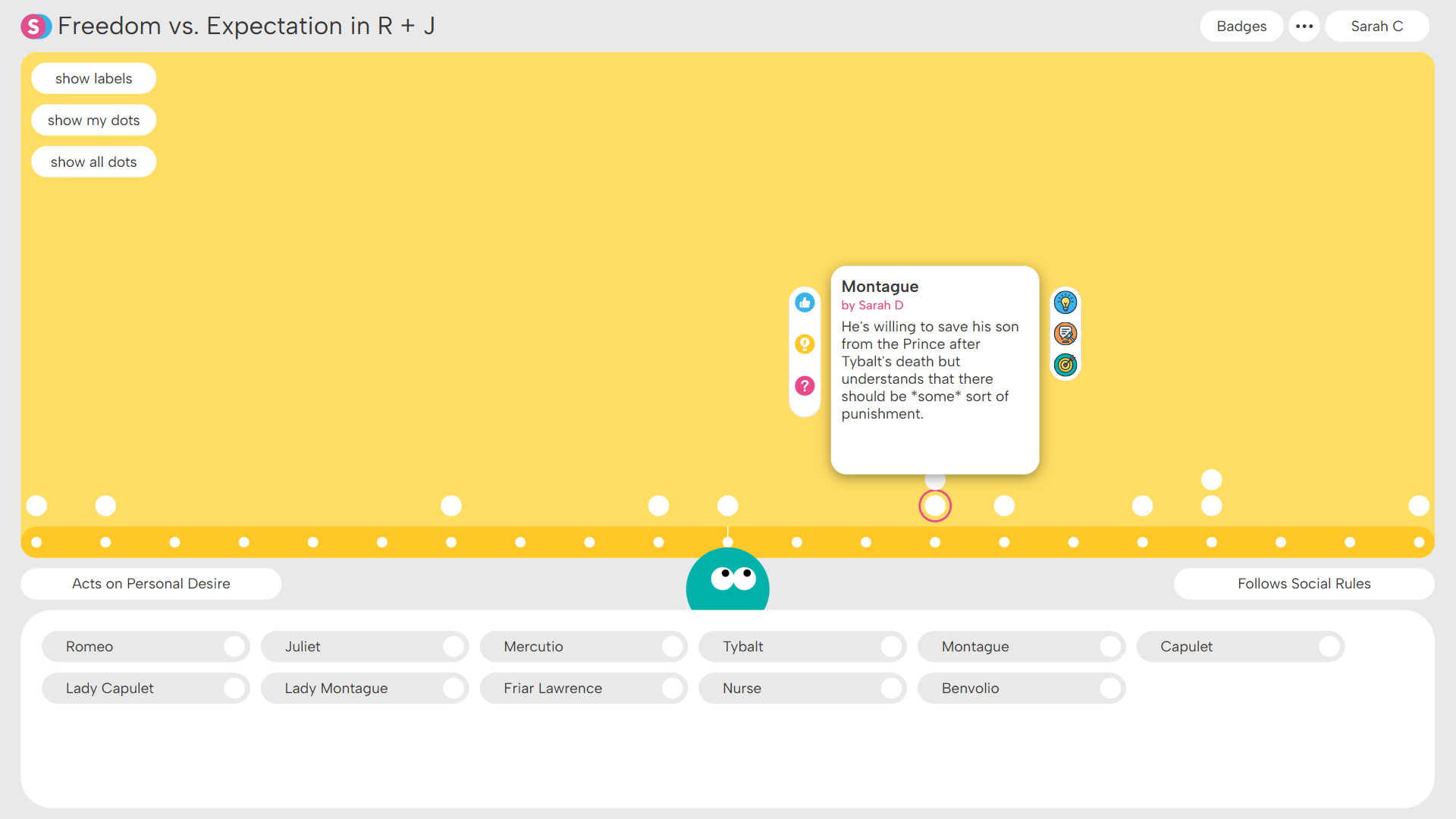
...or analyze characters based on their decision-making.
