
Resources
Resources
We are always refining Superstructures based on how teachers and students actually use it in class. Over the past few weeks, we have released several updates to make the platform smoother during live instruction and easier to manage across classes. Take a look.
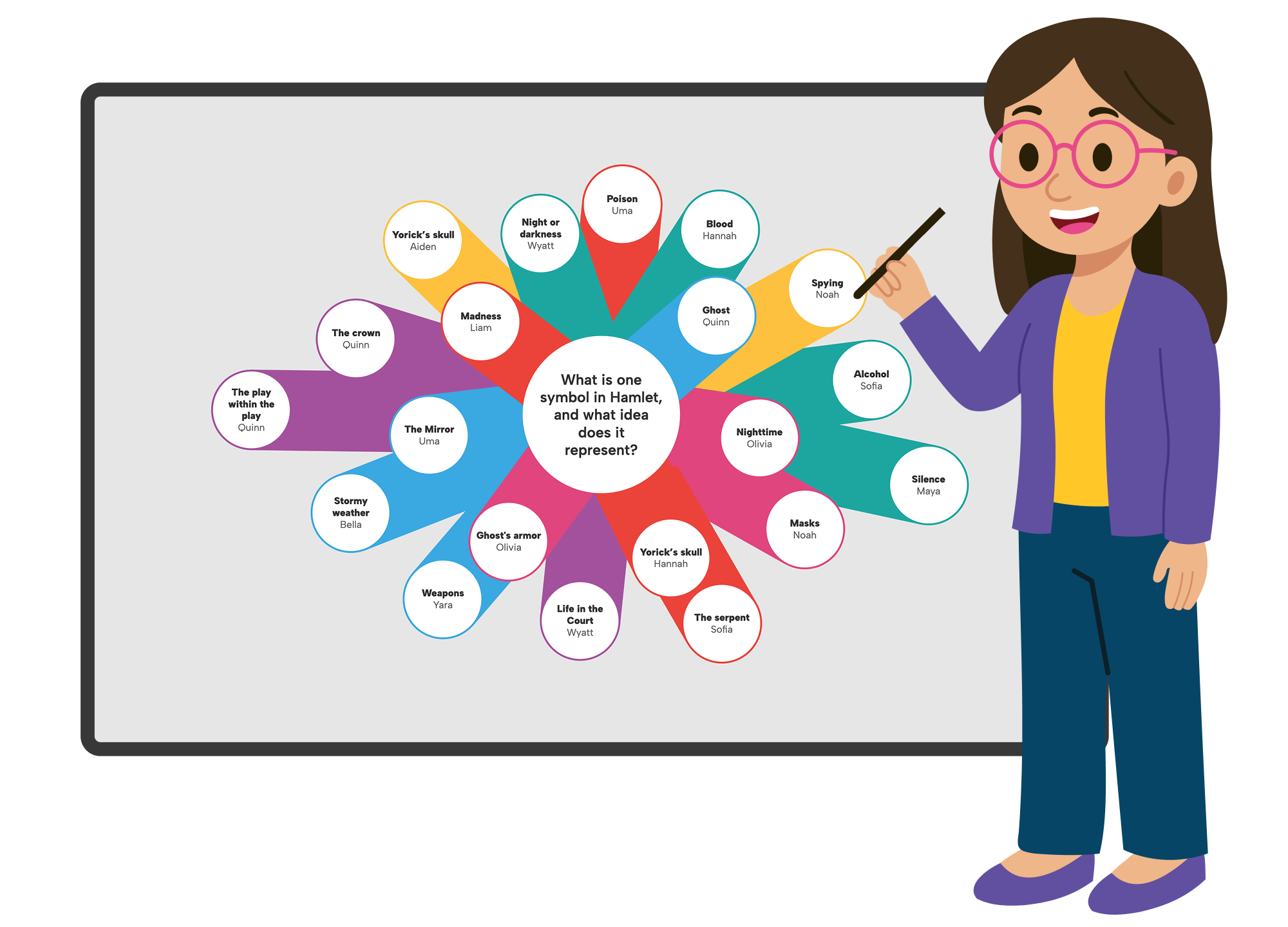
Superstructures now fully supports pen and touch input on interactive whiteboards. Teachers can create and edit structures directly on the whiteboard, scroll naturally, and drag elements across the structure, making it easier to run whole class discussions and annotate ideas together.

Teachers can now set a minimum word count for student responses, making expectations clear from the start. Students see their progress toward the word count in the top right corner as they write. Badges are awarded once the requirement is met, helping keep students focused on reaching their learning goals with depth and completeness.

Replication just got better. Scaffold a structure with teacher content—prompts, bubbles, dots—and replicate it exactly as designed for each of your classes. Replicated content is automatically labeled “Teacher,” so students know which elements come from you. It’s an easy way to reuse your structures across multiple classes while keeping the original setup intact.
We hope you find these updates useful. If you have ideas for improvements, send us a note and you just might see your suggestion in a future version of Superstructures.